A digital journal that
holds more than words
Three pages a day that take photos, voice notes, handwriting and files alongside the writing — and let you find any of it again years later.
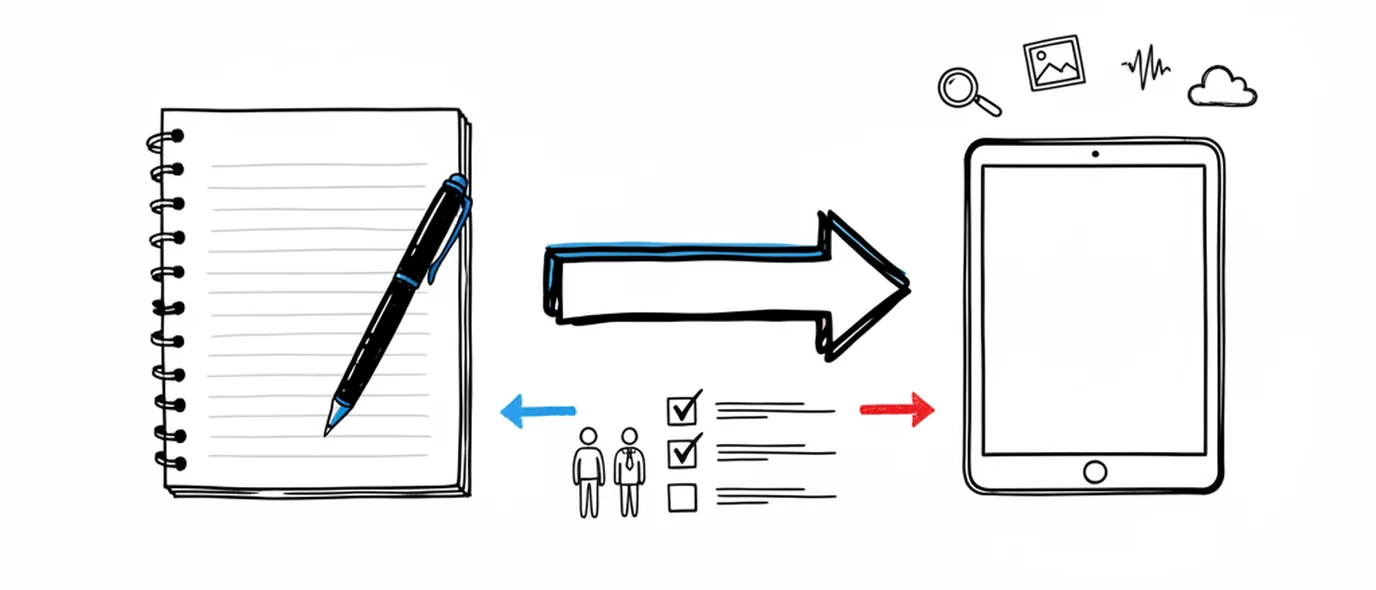
What is a digital journal?
A digital journal is a dated personal record kept in software instead of a notebook.
Its advantages over paper are search, multimedia and backup: you can find an entry from three years ago, keep a photo or a voice note with the day it belongs to, and not lose the archive if you lose the object. Its cost is that it lives on the same device as everything competing for your attention.
Open it and start writing
Most digital journals ask you to design the thing first — pick a template, define the fields, invent a tagging scheme. Here the date does that job, so the first thing you do is write.
No database to design
There are no properties, relations, views or formulas to define before your first entry.
No templates to pick
The page is blank because blank is the fastest thing to start writing on.
No folders to maintain
Date is the organization. It works whether or not you ever tidy anything.
Topics after the fact
Label pages when a pattern appears — weeks later is fine. Organizing never blocks writing.
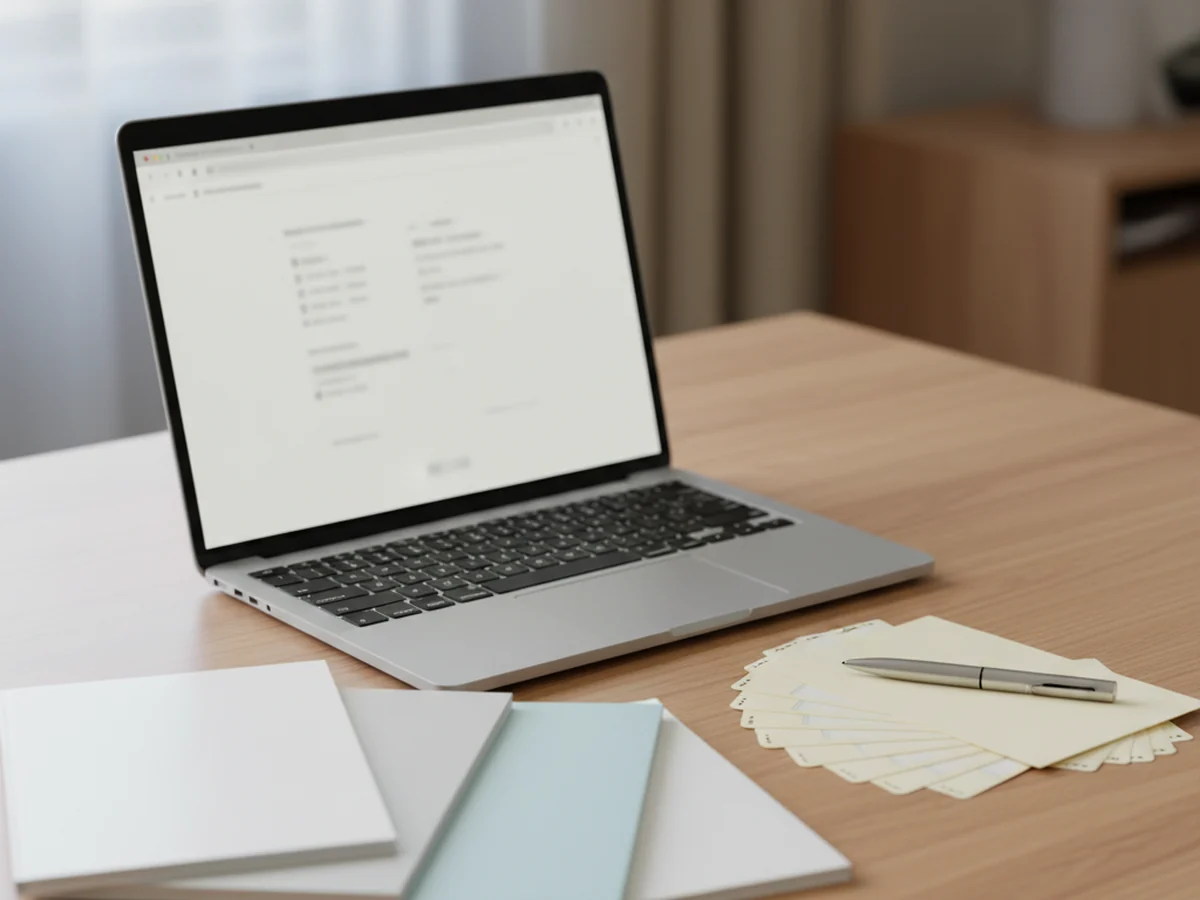
What paper can't do
Paper is better for focus, and nothing beats the feel of it. But you can't search a notebook, you can't put a voice note in one, and it doesn't survive a house move — which is where a digital journal earns its keep.
Retrieval
Search your text, links and tasks, or open any date straight from the Calendar.
Media in context
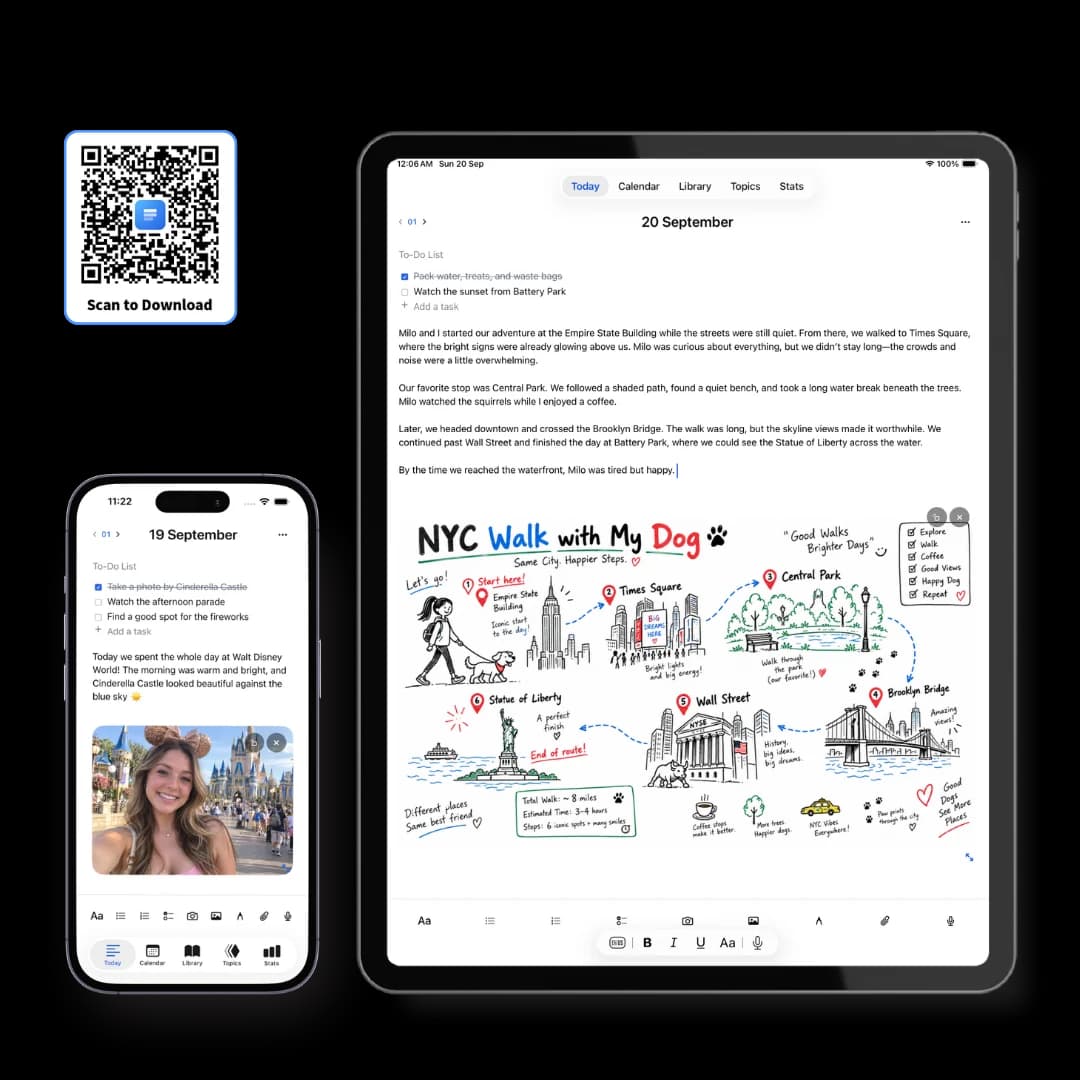
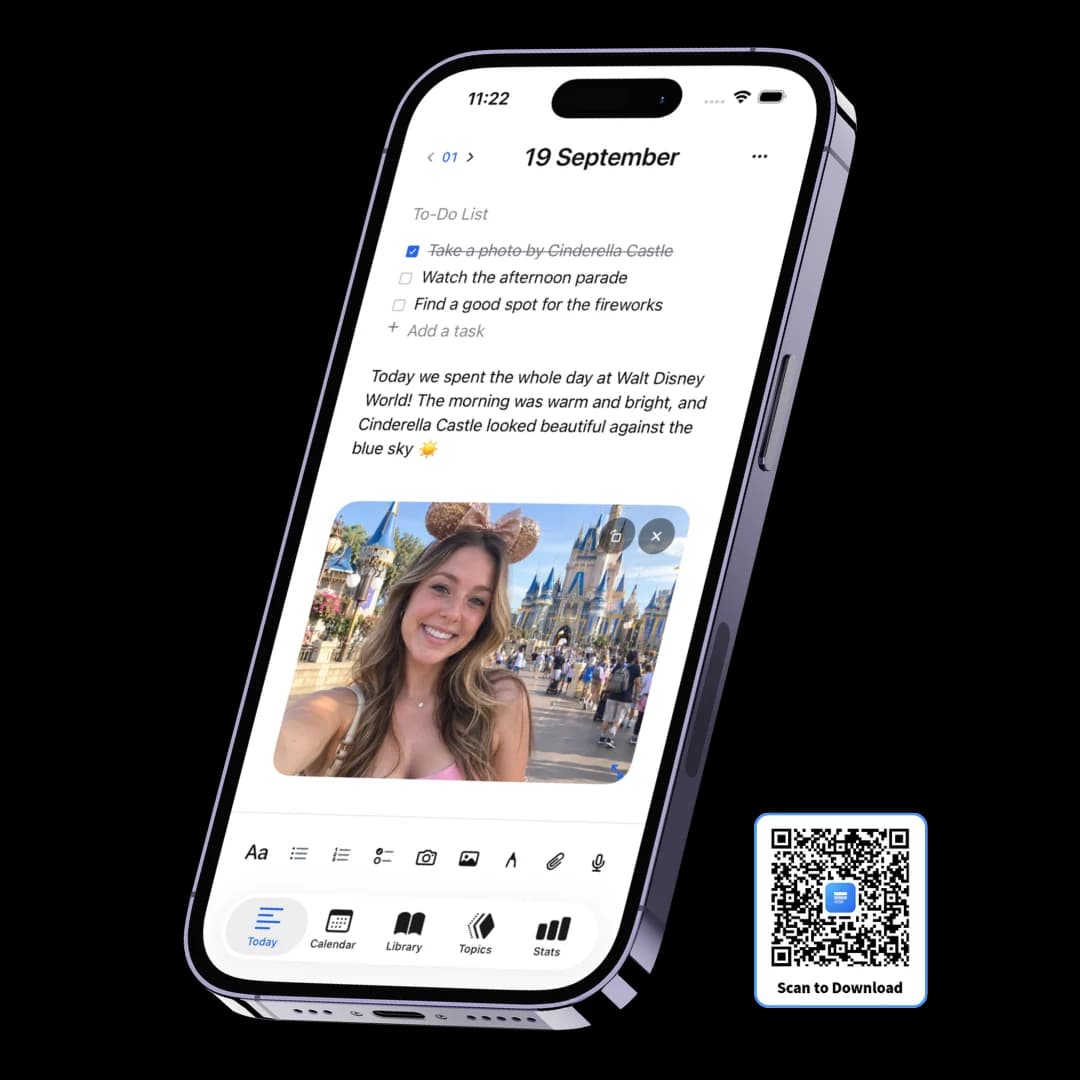
Photos, drawings, voice notes and PDFs on the same page as the writing about them.
Backup and portability
Synced across devices, and exportable to Markdown or PDF whenever you want it out.
The paper feeling, kept
Four paper styles, six themes, six writing fonts, and a canvas for handwriting.
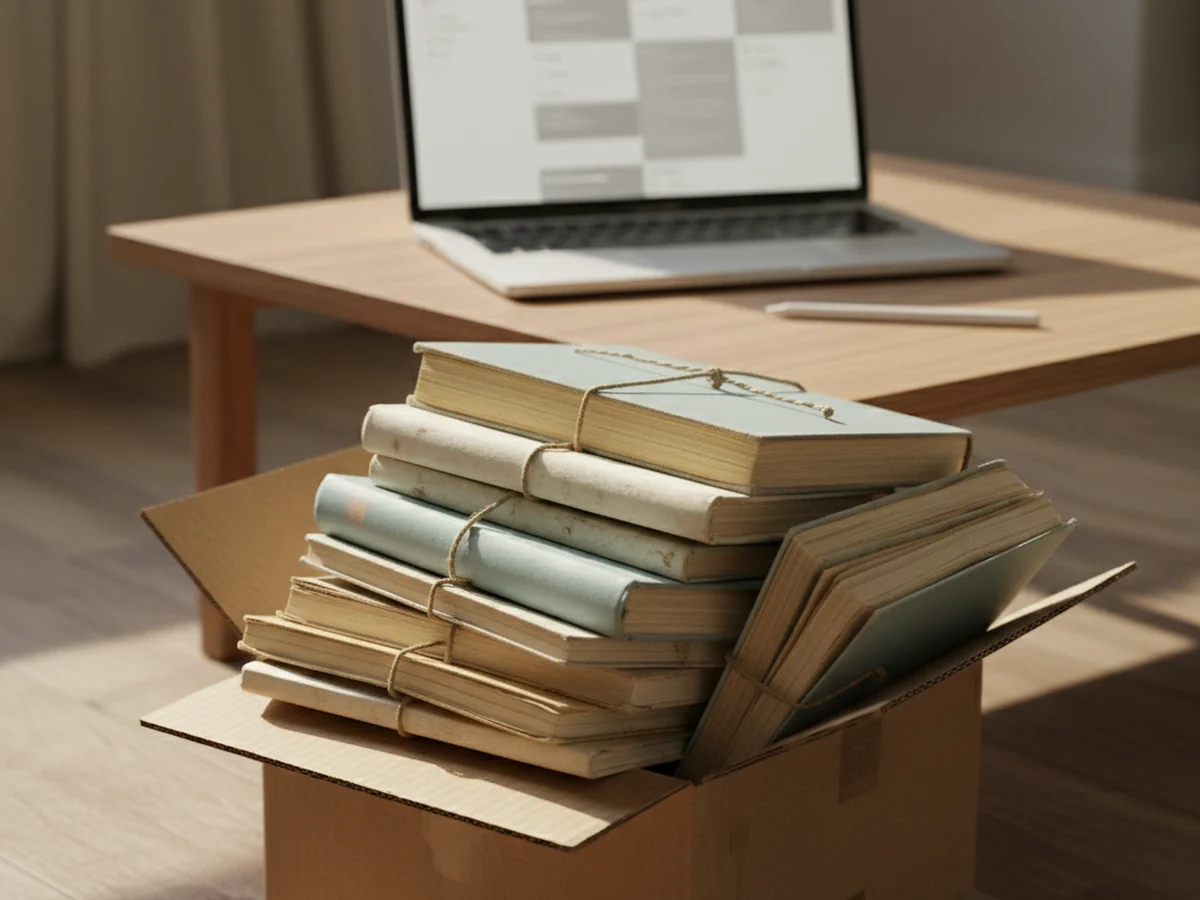
Worth checking before you pick one
You're about to put years of writing somewhere. Four questions worth asking of any digital diary you're considering, this one included.
Can you get everything out?
Look for a full export in an open format. Markdown is ideal because it opens in any editor. If export is a paid feature, that's a signal about the relationship.
Is your writing used to train anything?
Check the policy, not the marketing page. A journal is the most sensitive text most people produce, and "we may use content to improve our services" is a broad phrase.
What happens when you stop paying?
The good answer is that old entries stay readable and exportable. The bad answer is that the archive gets locked behind a renewal.
Digital journal versus paper journal
Written honestly — paper is better at several of these, and pretending otherwise would be silly.
Frequently asked questions
A digital journal is a dated record you keep in software rather than in a notebook. The practical differences from paper are that entries are searchable, can hold photos, audio and files alongside the text, and are backed up rather than tied to one physical object. The practical cost is that it lives on a device, which is also where your notifications live.
For thinking slowly, handwriting has a real advantage — it's slower, which is the point. For finding something you wrote in March, or for keeping a photo with the day it belongs to, it isn't close. Many people end up doing both: paper for reflection, digital for capture and retrieval. A drawing canvas here covers the handwritten middle ground.
Ask you to build it first. Most digital journaling attempts fail at setup — choosing a structure, designing templates, maintaining databases — rather than at writing. A digital journal that requires configuration before the first entry has already lost to the notebook it replaced.
Here, yes — on the same page as the text, under the same date. Images, drawings, voice notes with transcripts, links and file attachments all sit in the day's pages rather than being scattered across a camera roll, a voice memo list and a browser's bookmarks.
Whatever you can export is what survives. Three Pages Daily exports the whole archive as Markdown or PDF on every plan including the free one, so your entries stay readable in any text editor regardless of what happens to the app. Treat exportability as the main long-term question when choosing any digital journal.
It depends entirely on the product. This one has no public feed, no ads, and never uses your writing to train AI; pages are encrypted in transit and at rest, though not end-to-end. Before committing years of writing to any digital journal, check those four things specifically.
Keep exploring
If you want the paper feeling with a stylus, the drawing canvas and paper styles are where that lives.
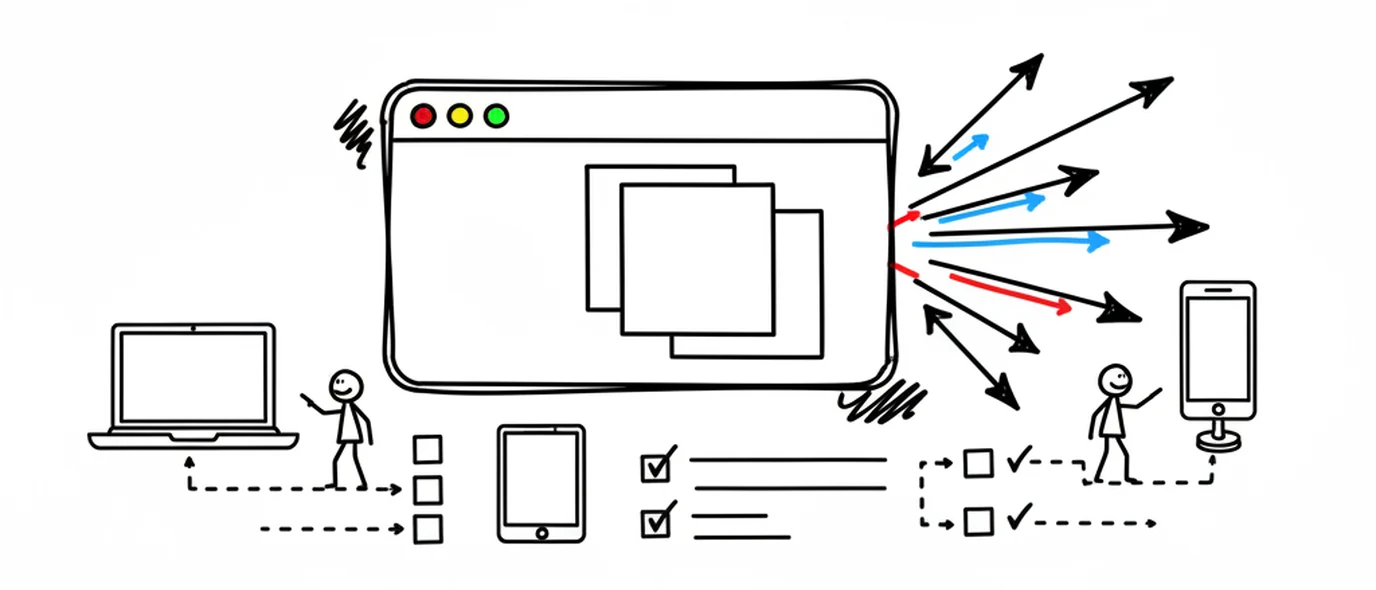
Make room for your mind
every day.
Three pages a day. No setup, no folders, no complexity. Just open it and write.