A private journal app for
everything that matters
Three pages a day for whatever the day gives you — a note, a photo, a voice memo, a sketch. Free on iPhone, iPad and Mac, or in any browser.
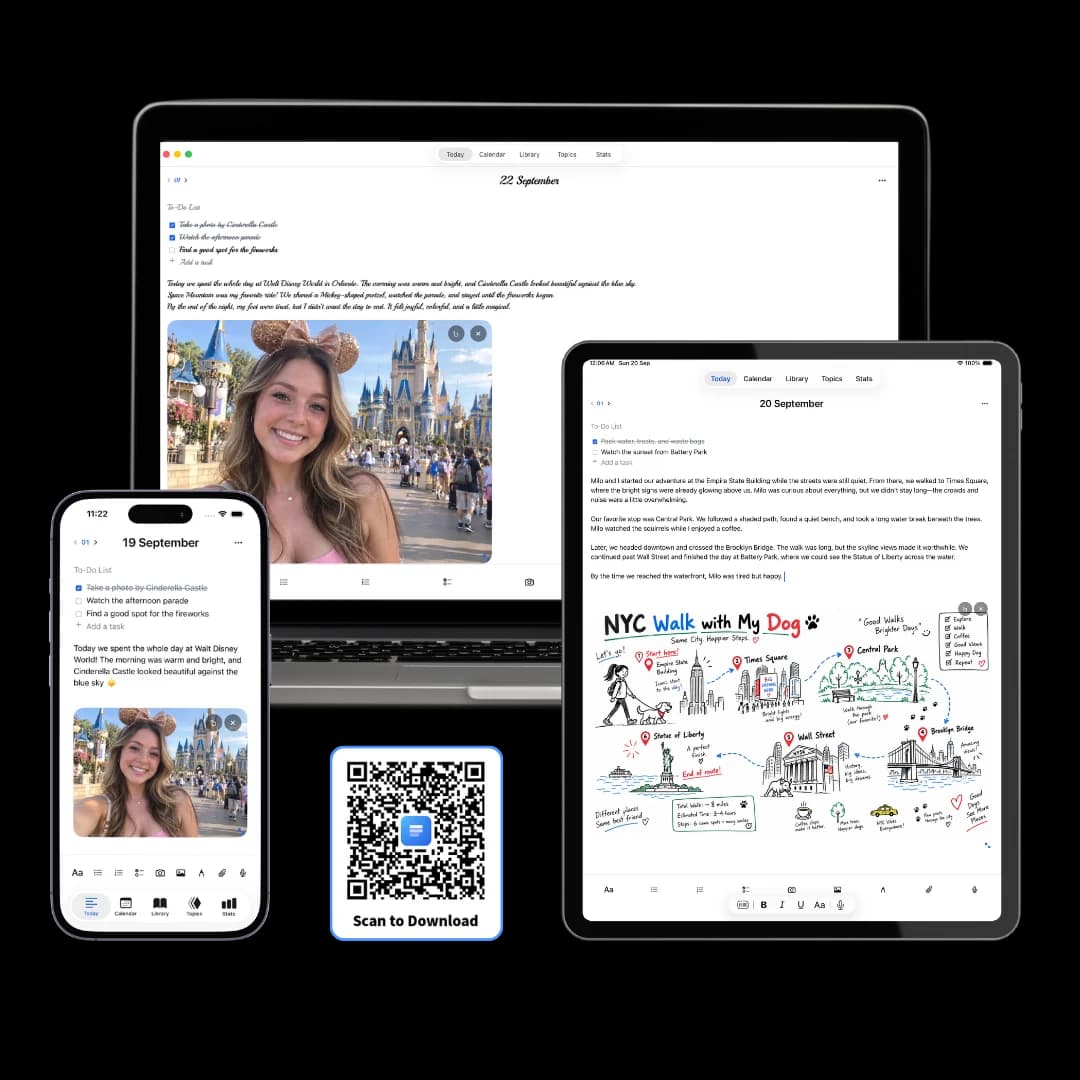
Three Pages Daily is a free journal app that gives you three fresh pages every day, on iPhone, iPad, Mac and in any browser.
Write a note, plan the day, add a photo from lunch, sketch something, or record a thought before it goes — all on the same page, filed under today’s date. Months later you can search any of it, including the words inside photos you added.
Start writing in about two seconds
You land on today's page with the cursor already in it. Nothing to name, no folder to put it in, no template to pick — the date has done that part before you arrived.
Nothing to set up first
No notebook to create, no template to pick, no title to invent.
No prompt to answer
The page doesn't ask you a question before it will let you write.
Filed by date, automatically
You never choose where an entry goes, which is how you'll look for it later.
Topics, when you want them
Group related pages under a topic — a folder you fill in afterwards, not one you build first.
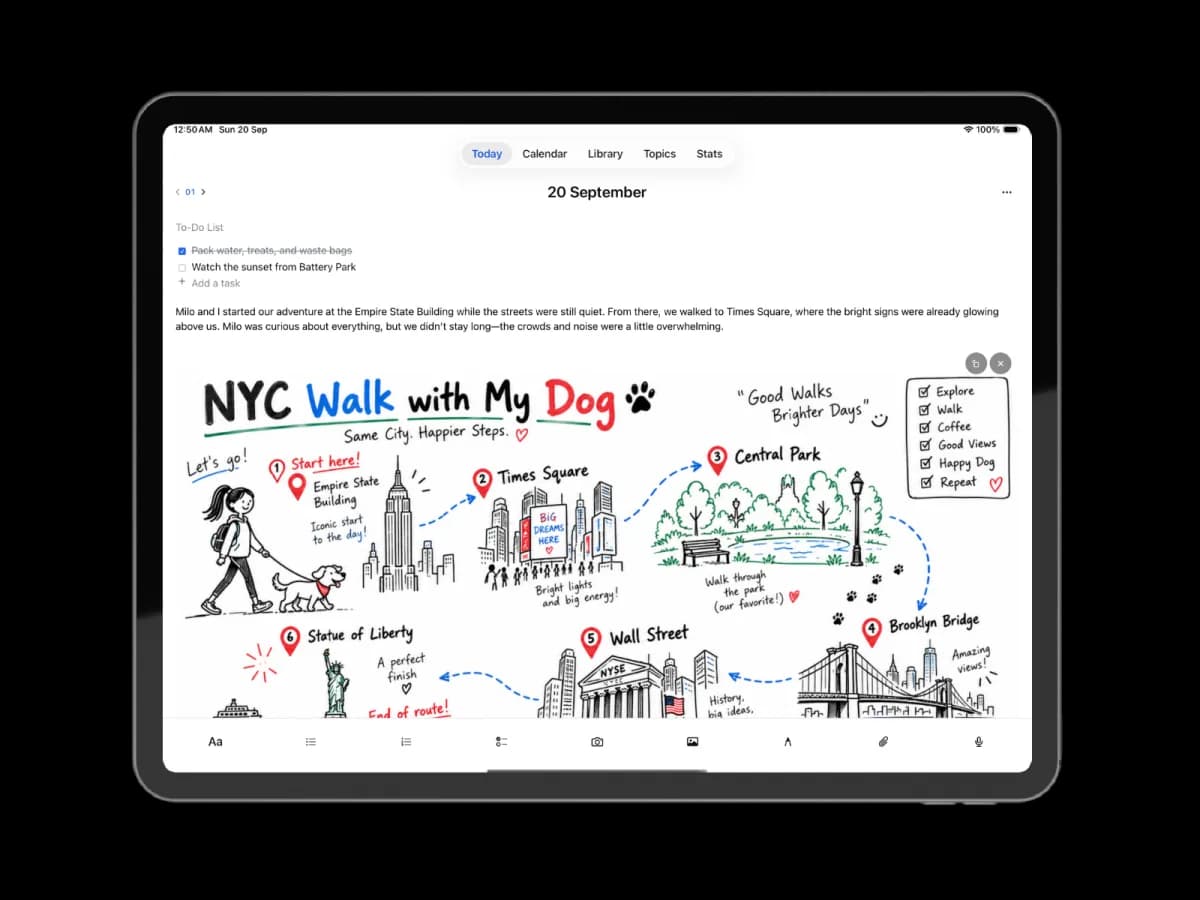
Three fresh pages each morning
One page can be a single line or run to two thousand words. Three is a rhythm that's easy to keep rather than a target to hit, and nothing gets cut off when a page runs long.
A sentence is enough
One line counts as a page. Three pages is a rhythm, not a word count to hit.
No limit on length
Any page can run as long as you want. Nothing is cut off or trimmed.
The day's tasks, on the page
A checklist sits above the writing, and unfinished items can move to tomorrow.
More pages when you need them
Premium sets 5, 7, 9 or a number you choose. The first three stay free.
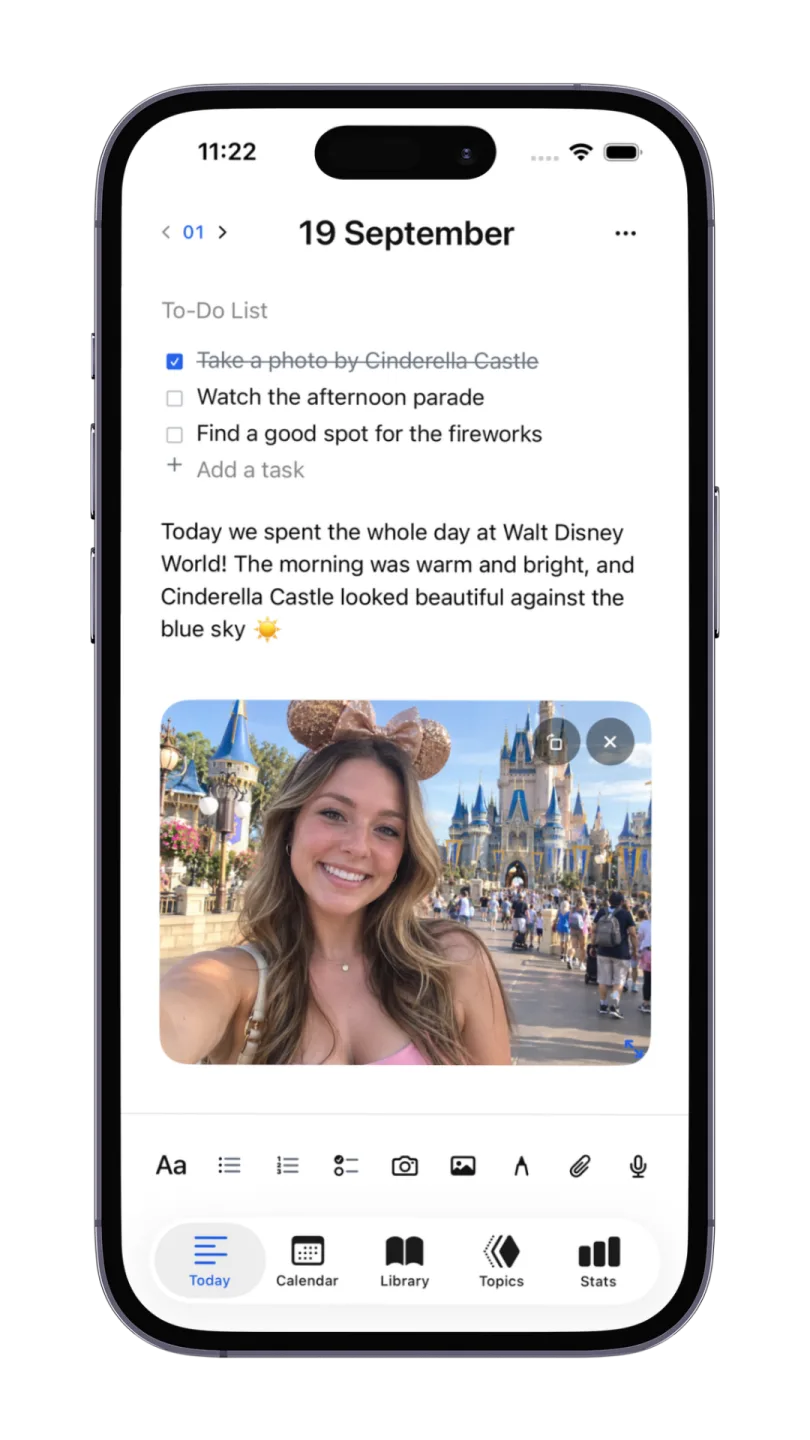
What you can put on a page
A day is rarely only text. Type it, say it, draw it, photograph it or attach it — all of it lands on the same dated page.
A clean, focused editor
Headings, lists, tables and checklists, with a slash menu for anything else. Nothing on screen you aren't using.
Draw or write by hand
A canvas anywhere in a page, with Apple Pencil on iPad. Pen, highlighter, eraser and lasso, over the paper style you pick.
Photos, links and files
Add a picture from the day, a page you want to keep, or a PDF — and they stay with the entry that explains them.
Voice notes, turned into text
Record straight onto the page and get a transcript you can edit, so a spoken thought is something you can find again.
Words found inside images
Text recognition reads the writing in photos you add, so a picture of a whiteboard or a receipt turns up in search.
Everything in one library
Photos, drawings, voice notes and files are collected as you go, browsable by kind without you filing any of it.
A private journal for your thoughts
Your thoughts are personal. Our iPhone, iPad and Mac app collects no data: your writing, sketches and recordings belong to you. Keep them on your device and protect your journal with a passcode, Face ID or Touch ID. Optional iCloud sync is yours to turn on.
No data collected
The Apple app has no analytics SDKs, advertising SDKs or third-party trackers.
No account needed
Install the app and start on the first page. There's nothing to sign up for.
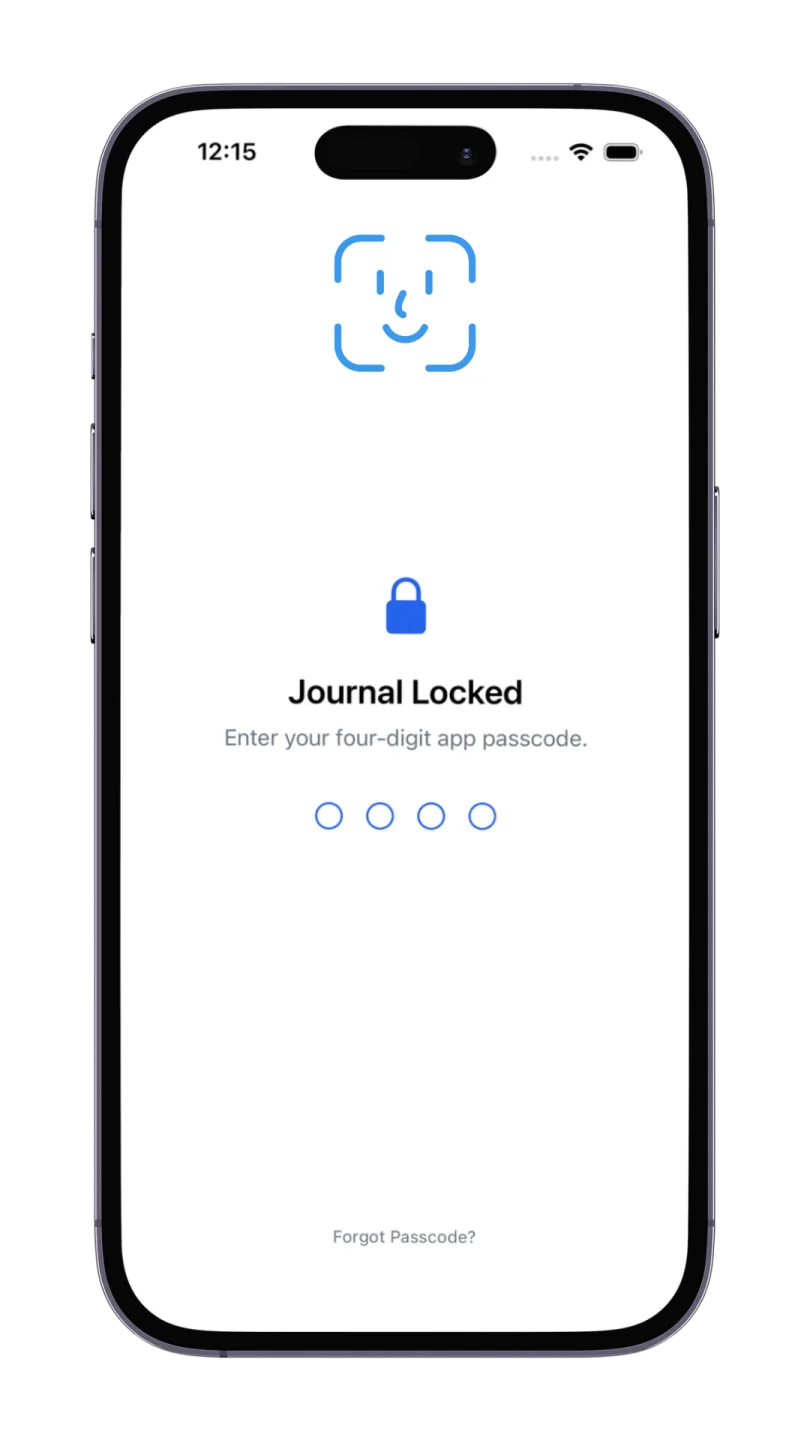
Protect your private pages
Use a passcode, Face ID on supported iPhones and iPads, or Touch ID on supported Macs.
Never used to train AI
We do not collect or read your journal content, sell it, or use it to train AI models.
Find any day in seconds
Return to any day from the calendar, or search for the thing you half-remember. One box reads your writing, your voice transcripts, the words inside photos you added, and the files you attached — down to the text inside a .txt.
Return to any day
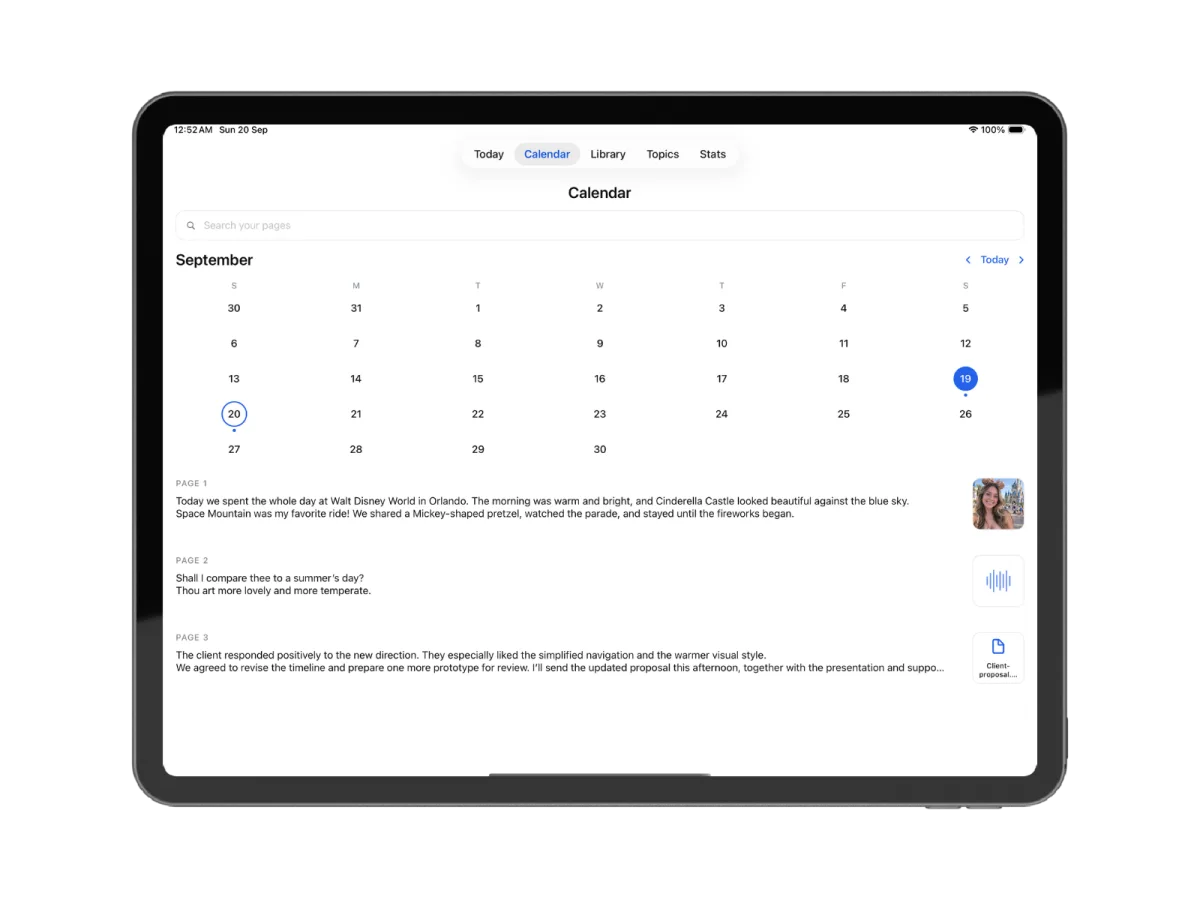
The calendar marks the days you wrote, so a month of your life reads at a glance.
Search everything at once
Entries, transcripts, words inside photos, and even inside a text file you attached.
Keep it all together
Photos, drawings, voice notes and files stay with the day they belong to.
One thing it can't do
Handwriting stays a drawing, so words written with a Pencil aren't searchable.
Where you can write
The same three pages a day, wherever you happen to be writing them.
Online journal
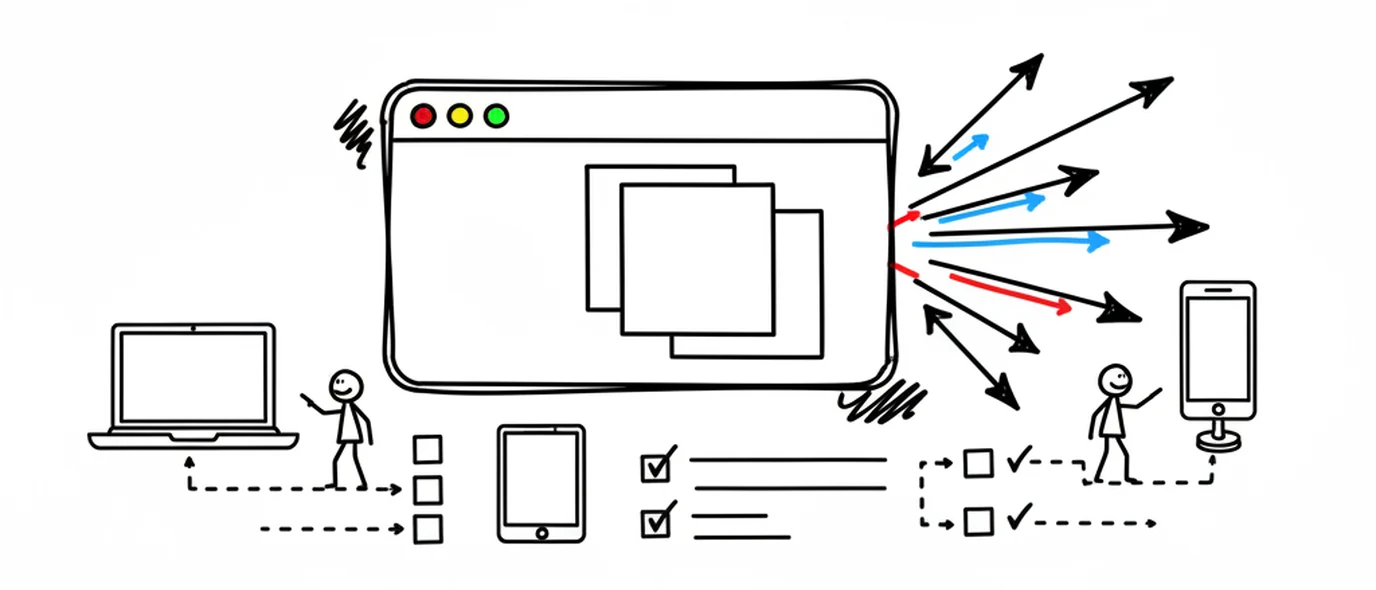
Open your journal on any computer you can sign in on, with nothing to install.
Digital journal
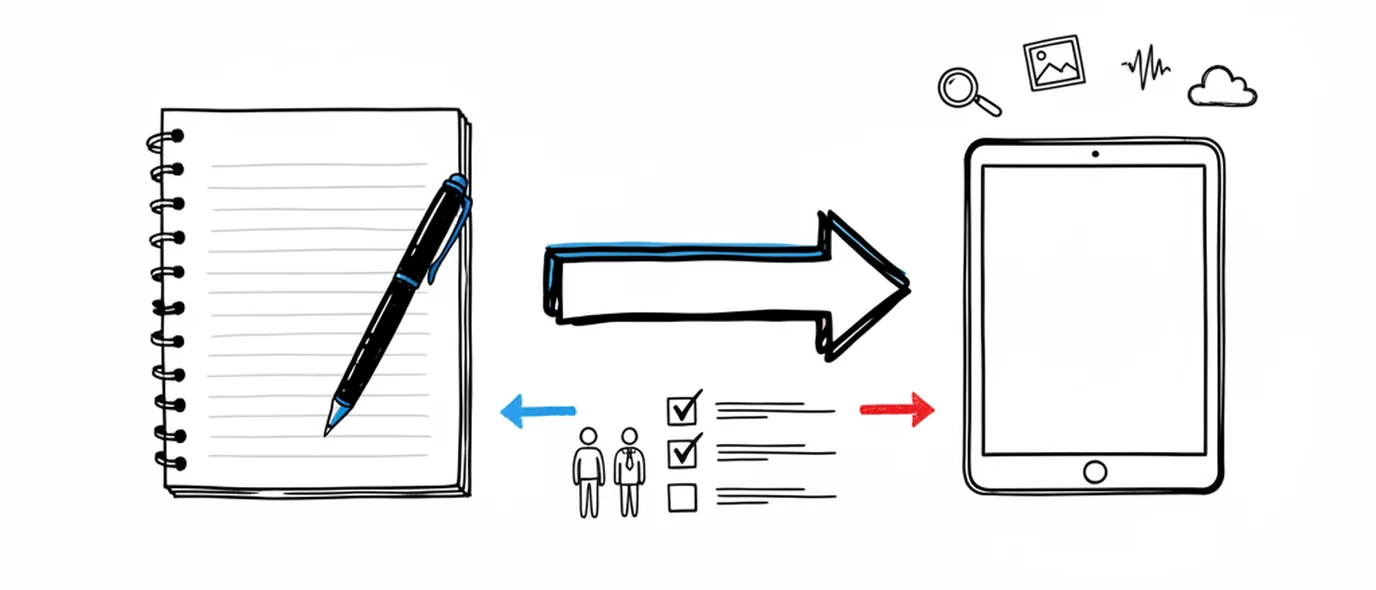
What you gain by keeping a journal on a screen, and the one thing paper still does better.
iPhone, iPad & Mac app
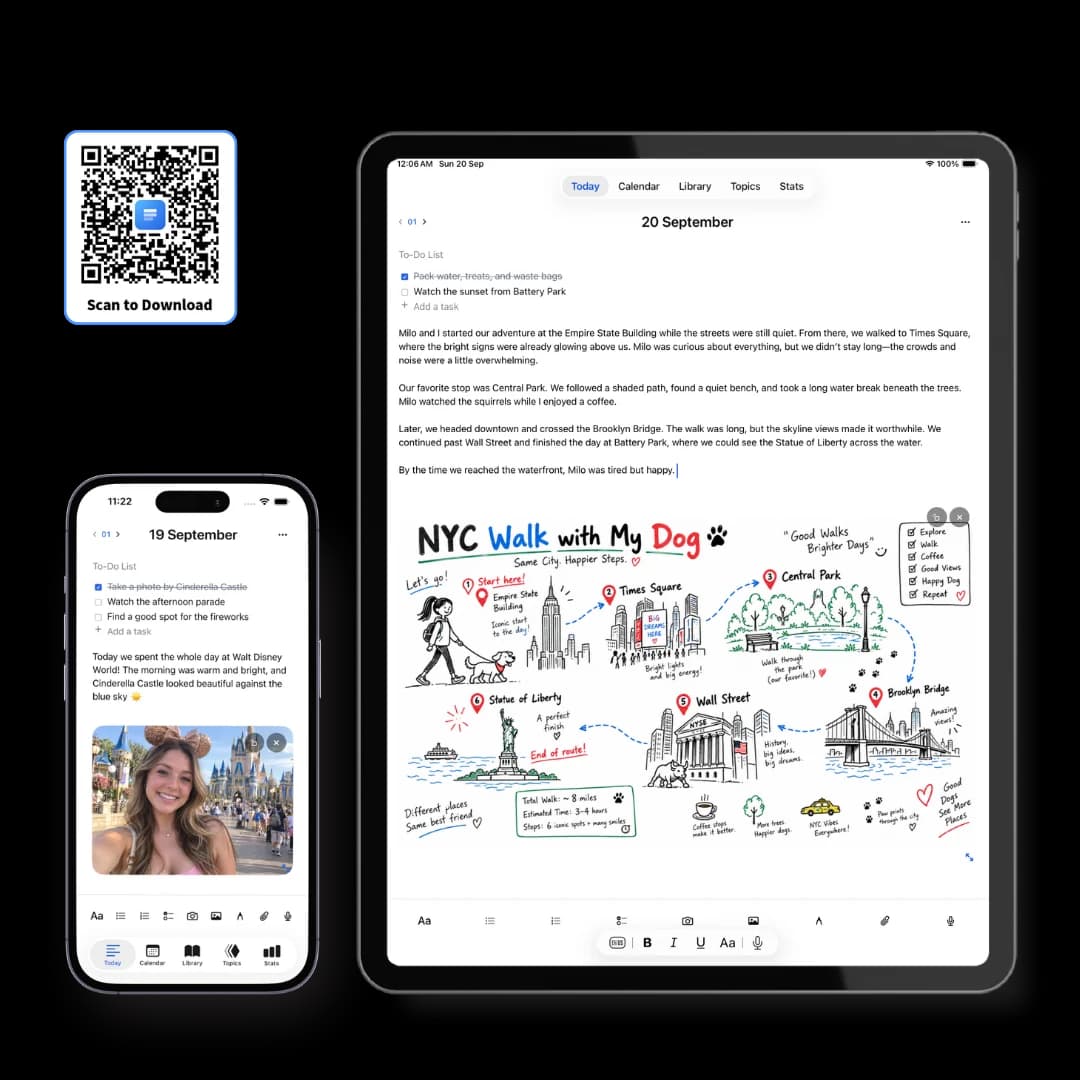
The free app for iPhone, iPad and Mac, with your journal kept on the device itself.
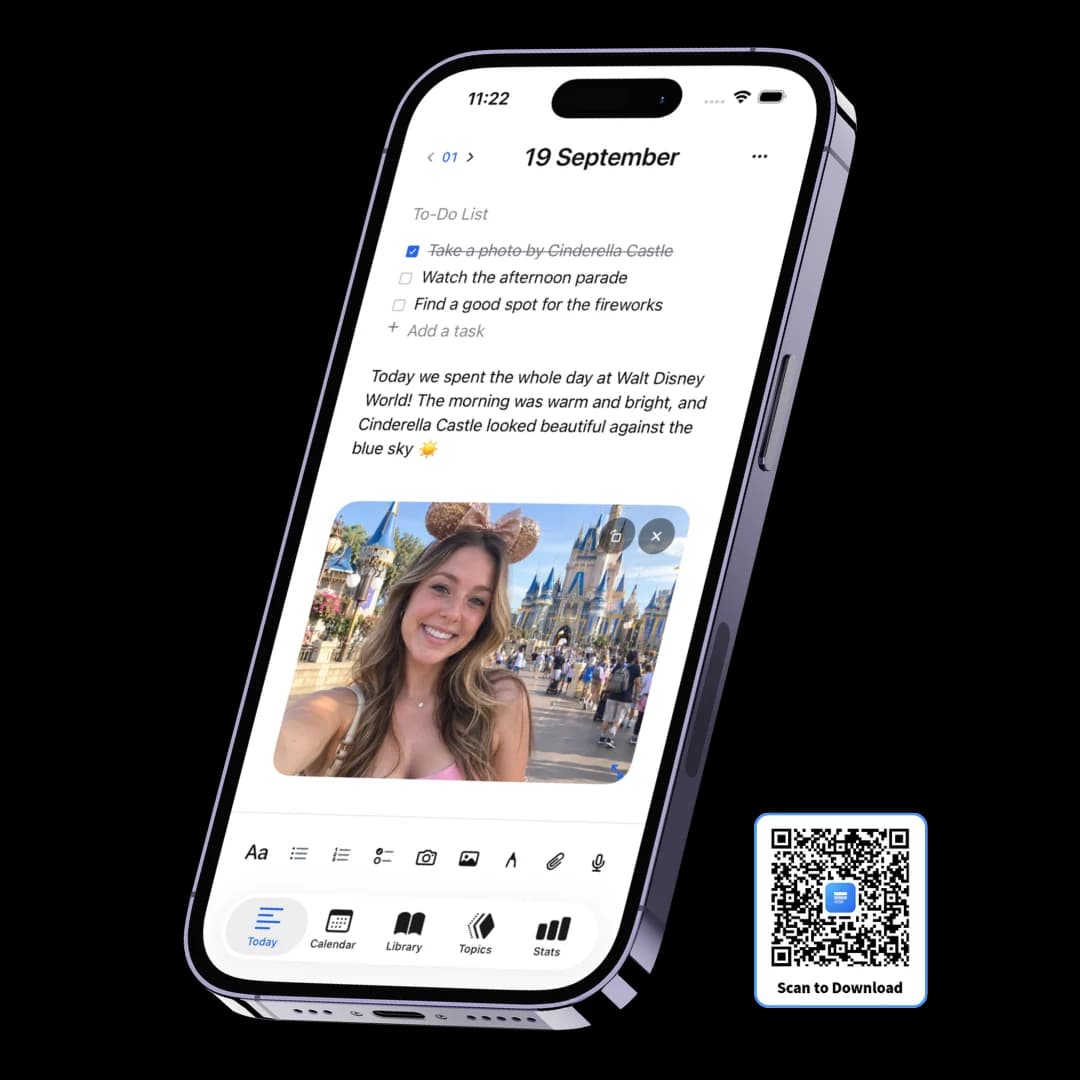
Journal app for iPhone
Write wherever you are, and keep the journal locked behind Face ID.
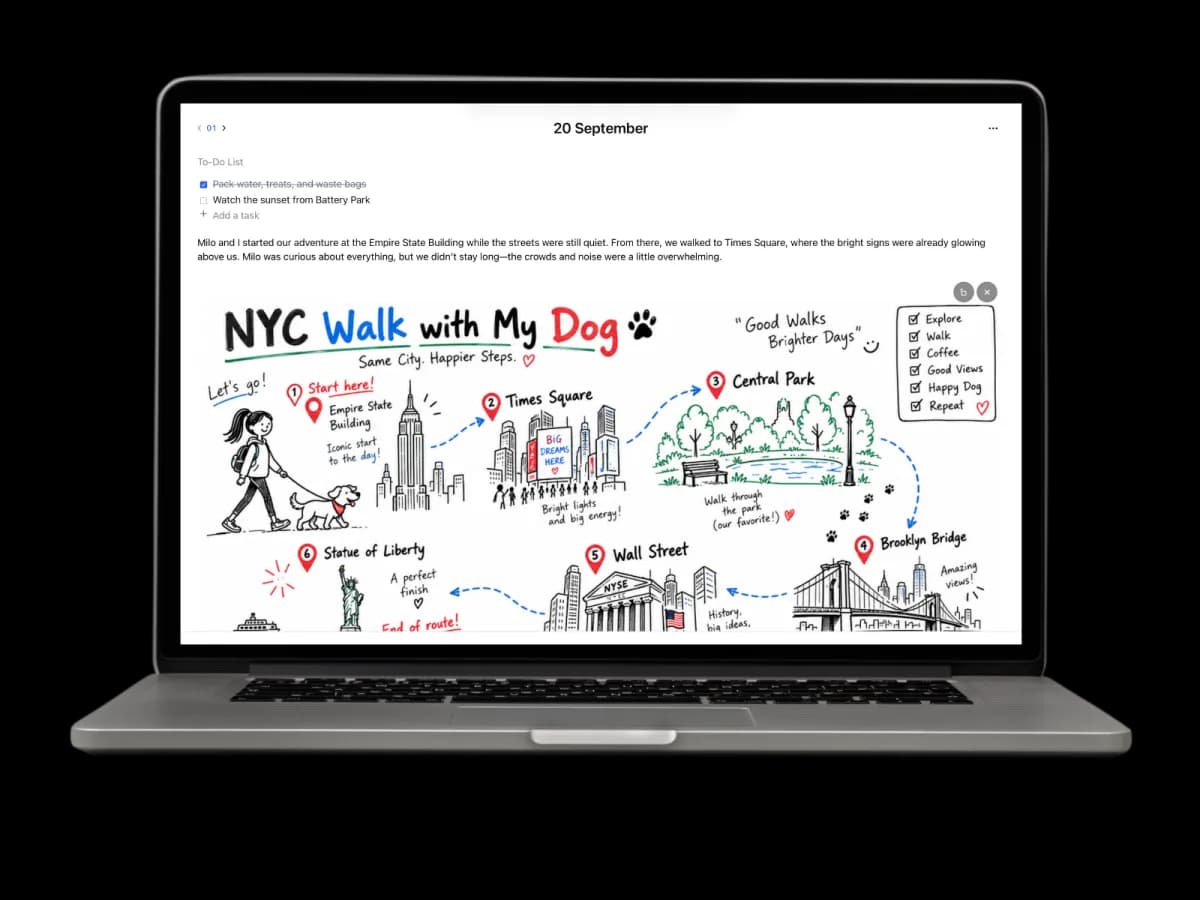
Journal app for Mac
A full screen for the day, on the machine where the rest of your work already is.
Journal app for iPad
Type an entry with the keyboard, then handwrite into it with Apple Pencil.
The app or the browser
Two ways to use it, and they suit different people. They don't sync with each other, so it's worth picking one before you build up a year of entries.
A closer look at what it does
Every one of these is on the free plan. Premium lifts the limits; it doesn't unlock the tools.
Three pages a day
The daily structure: three open pages, organized by date, no folders to set up.
Daily planner
A to-do list on every page, quick capture, and gentle migration of whatever didn't get done.
Voice journal
Record straight onto the page and get a transcript you can edit and search.
Drawing & paper
A canvas anywhere on the page, Apple Pencil on iPad, and four paper styles.
Search & Library
Find an old entry from the calendar, and every image, voice note and link auto-collected.
Private & yours
Private by default, encrypted, and exportable to Markdown or PDF whenever you want.
Frequently asked questions
It depends on what stops you journaling. If it's setup, pick something that opens to a blank dated page — Three Pages Daily, Day One or Apple Journal. If it's remembering how you felt, a mood tracker like Daylio is faster. If handwriting is the point, Goodnotes on an iPad beats all of them. The best app is the one whose first screen doesn't ask you a question.
Yes. Three Pages Daily's Standard plan is free forever: three pages a day with no word limit, rich text and checklists, images, the drawing canvas, voice recording with transcription, up to 3 Topics, full search and PDF export, with 250 MB of media storage. Apple Journal and Daylio also have genuinely usable free tiers.
Only if you want the Apple one. The web version runs in any modern browser on Mac, Windows, Linux, iPad, iPhone and Android, and installs as a PWA so it gets its own icon and window. The App Store app covers iPhone, iPad and Mac from a single listing, stores everything on the device and works with no connection at all. The two are separate products and do not sync with each other, so pick one. There is no Play Store app.
Yes, over iCloud — and it's worth being precise about how. Entries are written to each device first, then synced privately through your own iCloud account rather than through a server of ours, which is why the app works with no connection. Syncing is a Premium feature at $5.99/month; on the free plan the app is deliberately single-device. Note this is separate from the web version, which syncs across every platform including Windows and Android but keeps your journal in an account with us.
In software they're the same thing, and which word you use is mostly habit. A diary suggests a record of what happened; a journal suggests what you made of it. Three Pages Daily works as either, because the pages are blank — listing the day's events and thinking your way through them both fit. Whether you'd call it a journal app, a journaling app or a diary app, you're describing this.
Three things: file entries by date without you choosing where they go, keep photos, drawings and voice notes on the same page as the writing about them, and let you find an entry years later. A notes app can do all of that only if you build and maintain the structure yourself.
It varies, so check four things specifically before committing years of writing: whether your content trains AI models, whether there are ads, whether you can export everything in an open format, and what happens to old entries if you stop paying. Three Pages Daily's answers are no, no, Markdown and PDF on every plan, and nothing is deleted.
For retrieval, media and backup, yes — comfortably. For focus while writing, paper is still better, because it has no notifications. Many people keep both: paper for slow reflection, an app for capture and for finding things again. A drawing canvas with four paper styles covers some of the middle ground.
Make room for your mind
every day.
Three pages a day. No setup, no folders, no complexity. Just open it and write.