A private journal app
for your Apple devices
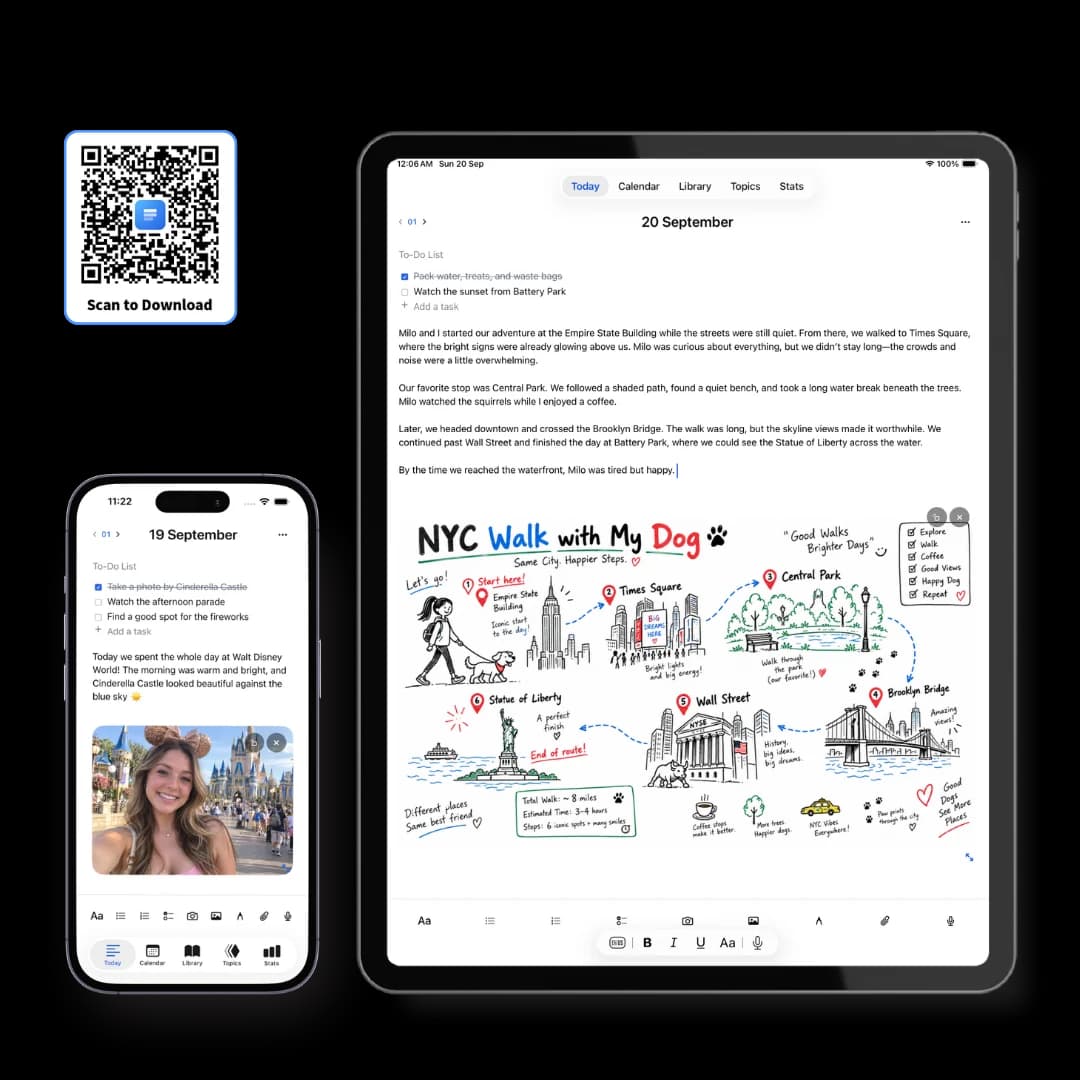
Three Pages Daily is a private daily journal for Apple devices — three pages a day for thoughts, ideas and everyday life.
It is a journal rather than a notes app or a productivity system: the date organises everything, so there is nothing to set up before writing. Each page holds text, checklists, photos, handwriting, voice notes and files together. Everything is stored on your own device, works with no connection, and can be locked behind Face ID.
Three pages, and anything can go on them
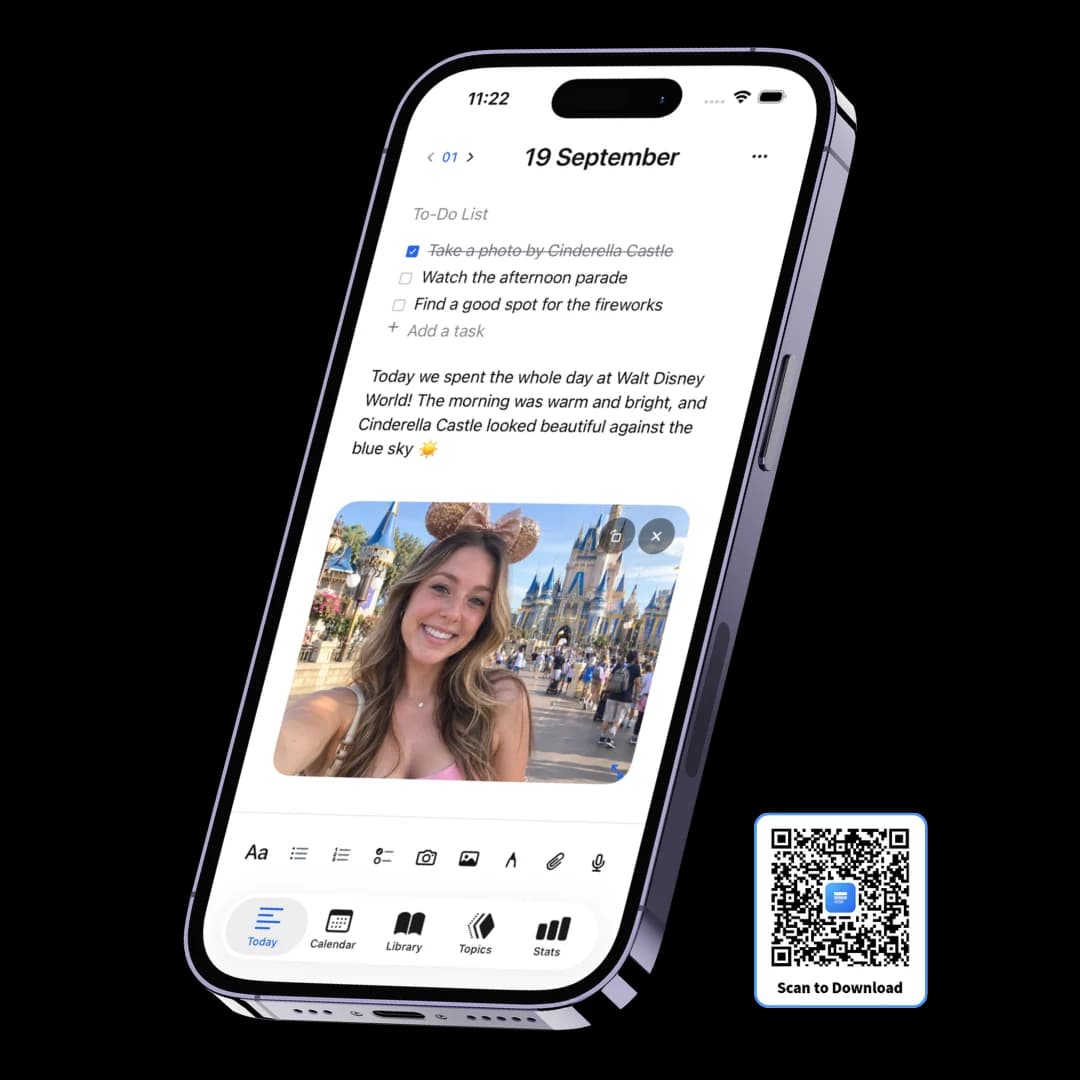
Each day starts with three pages. A page can be one line or two thousand words, and it doesn't have to be prose — the day's tasks, a photo, a sketch and a recording all belong on the same sheet, because that's how the day actually happened.
Dated for you
No notebook to choose and no title to invent. The date is the filing system.
A checklist on every page
The day's tasks sit above the writing, and unfinished ones can move forward.
No length limit
Three pages is a shape, not a word budget. Any one of them can run as long as you like.
Topics whenever you want
Label a page months later to follow a thread across dates. Never required to write.
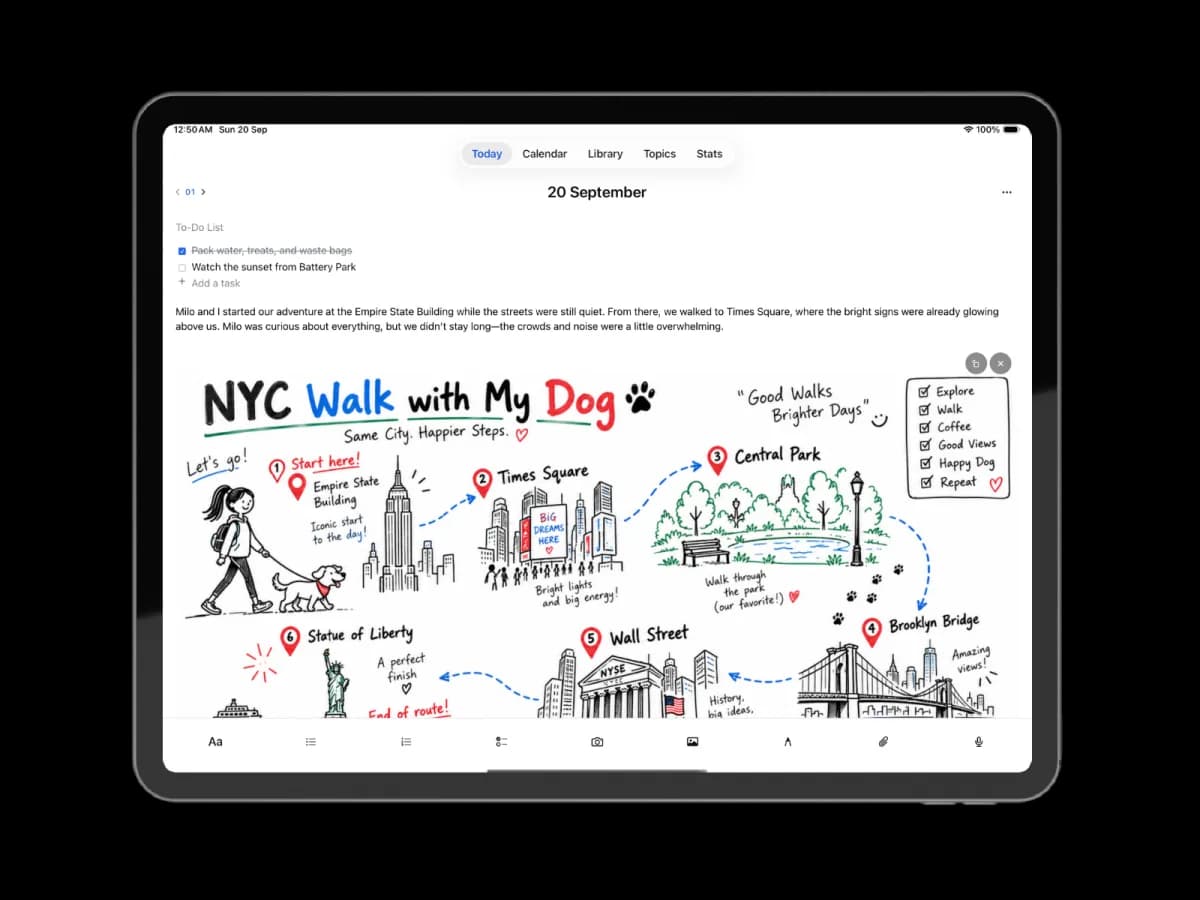
Write it, say it, draw it, snap it
A day is rarely only text, and the moment you have to switch apps to keep something, you stop keeping it. Every capture method is in the same toolbar, and everything lands on the page you're already on.
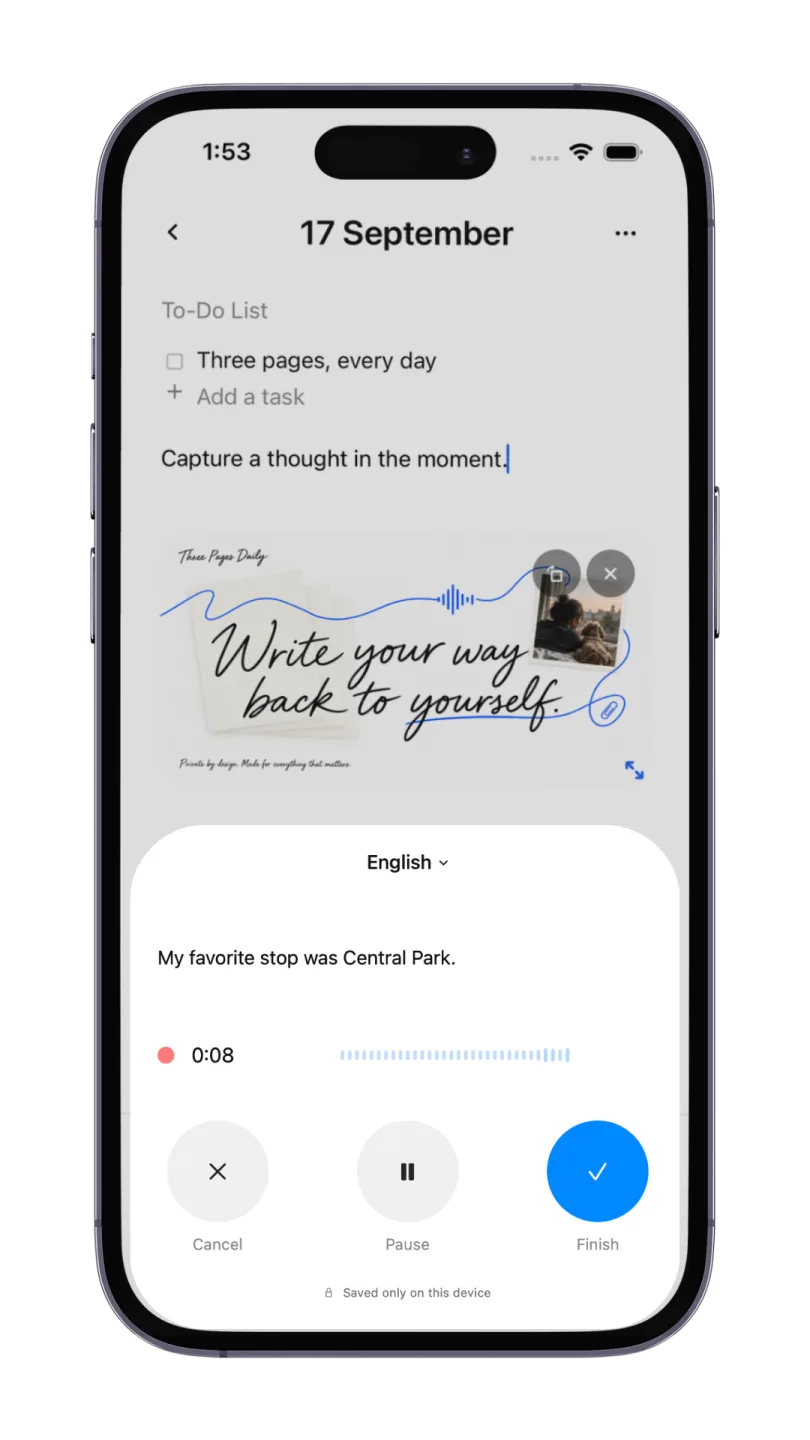
Voice with a live transcript
Speak and watch the text appear. Both the audio and the editable words stay on the page.
Handwriting and drawing
A canvas anywhere in a page, with Apple Pencil on iPad and four paper styles under it.
Photos, video and files
A picture from the afternoon sits in the entry explaining it, not in a camera roll.
Transcribed on the device
Speech becomes text on your own hardware. The recording doesn't go anywhere.
Everything stays on your device
Most apps call themselves private and mean they have a policy about it. Here there is no account, no server holding your entries and nothing transmitted to us — so there is no policy to trust and nothing of ours to breach.
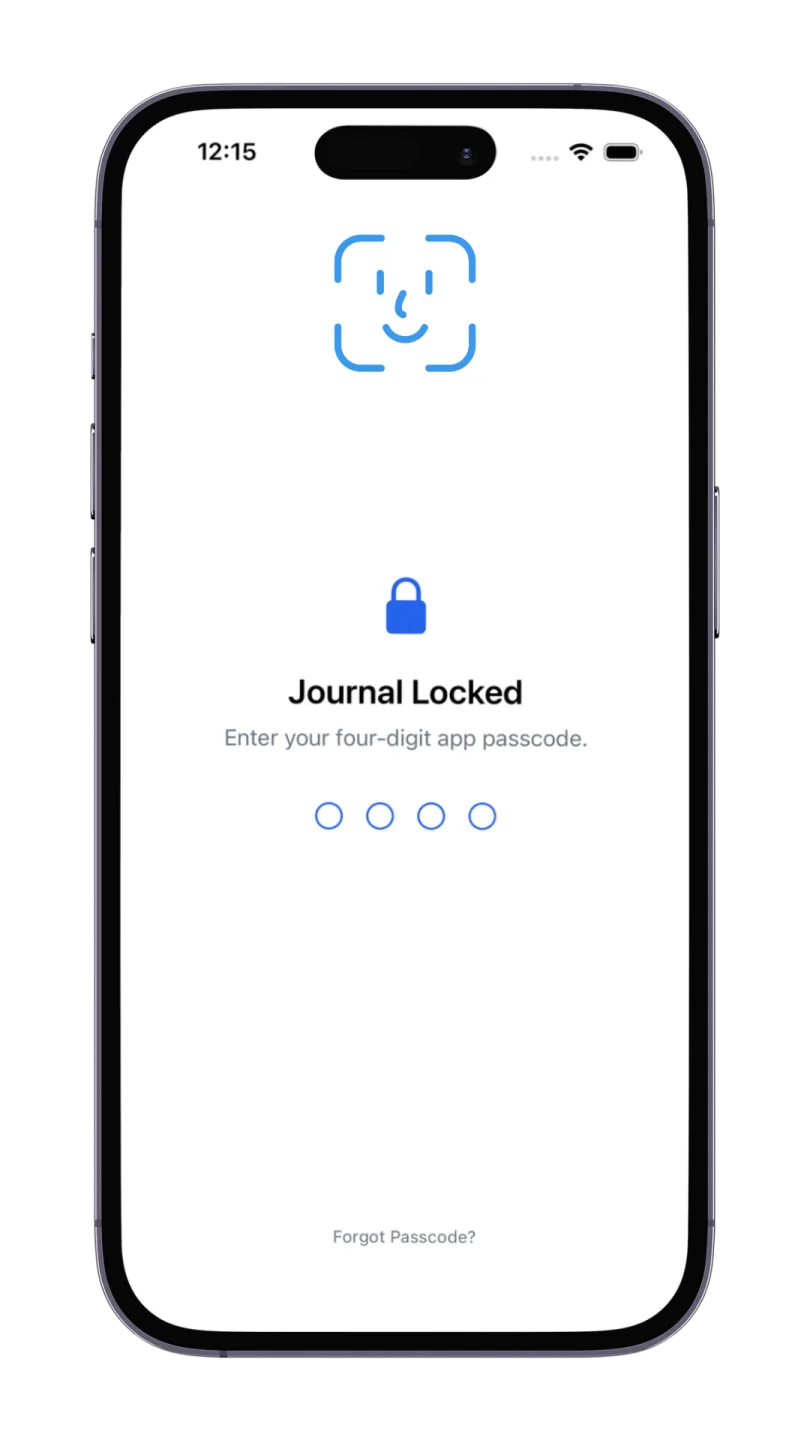
Locked with Face ID or a passcode
Set a four-digit PIN on the journal itself, so it stays shut on an unlocked device.
Never used for training
Nothing you write is read, analysed or used to train a model. There's no copy to use.
Yours to take away
Export to PDF whenever you want. Deleting the app deletes the writing, so export first.
Still findable in three years
Capture is the easy half. What makes a journal worth keeping is that something from two years ago can be retrieved on purpose — the point where a pile of notes in four apps quietly fails.
One search box
Your writing, voice transcripts, words inside photos, and inside some attachments.
A month at a glance
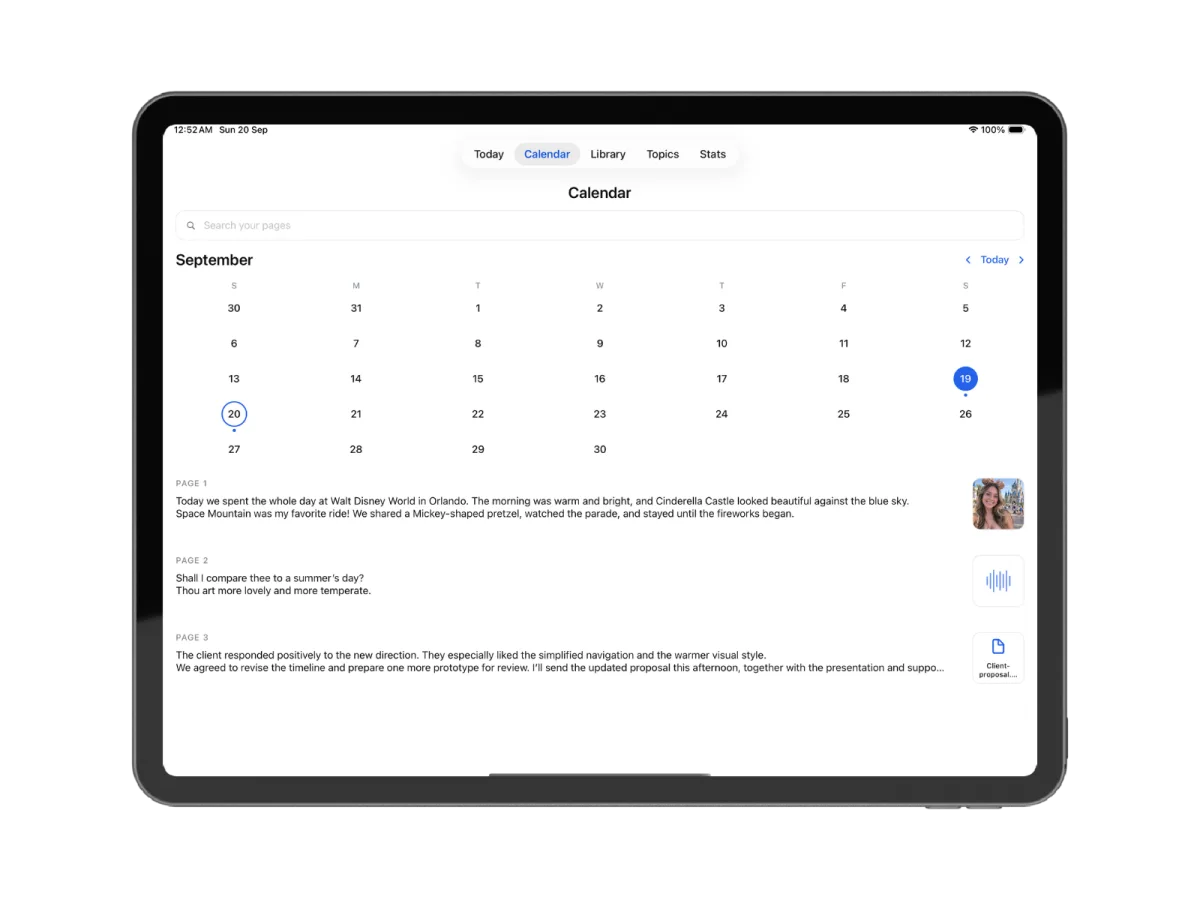
The calendar marks the days you wrote, so a season of your life reads in one look.
A library you never filed
Every image, drawing, voice note and file collected into tabs automatically.
Across your devices
Premium syncs the same journal to your other Apple devices over your own iCloud.
Two products, one name — pick deliberately
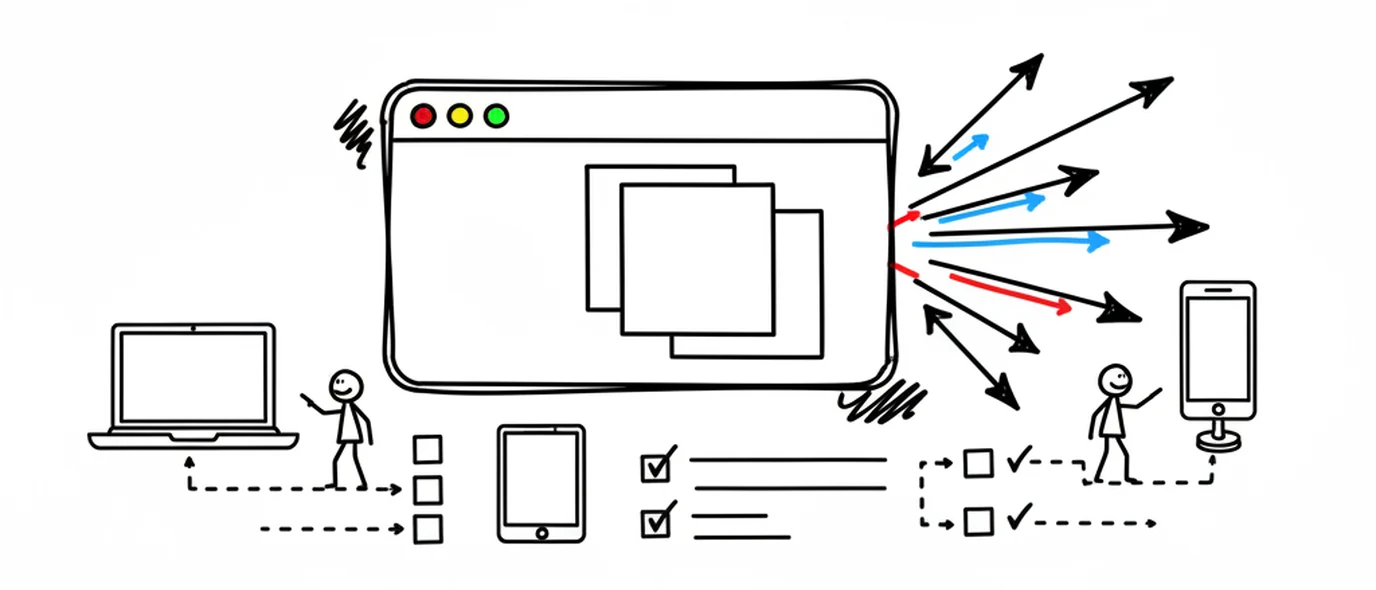
The app and the web version don't sync with each other, so the choice is worth two minutes now rather than a migration later.
Install the app if…
You want your journal to exist only on hardware you own, you write where there's no signal, or handwriting on an iPad is the main event. Apple devices only.
Use the web version if…
You move between a Mac, a PC and a phone, or you're on Windows or Android. It runs in any browser and installs as a PWA, so it still gets its own icon.
Don't try to run both
They're separate stores with separate subscriptions and no bridge between them. Writing split across the two is writing you'll have to merge by hand later.
The app and the web version, side by side
Neither is the better one. They make opposite trades, and the right pick depends on how many machines you use.
Frequently asked questions
Yes — Apple ships a Journal app with recent versions of iOS, and it's free. If that diary app already suits you, use it. People usually come looking for an alternative for one of three reasons: they want the same journal on a Windows PC or an Android phone, they want more than one page a day with a structure they choose, or they want to export the whole archive in an open format. Those are the three things Three Pages Daily is built around.
The download is free. You get three pages a day, handwriting and drawing, photos and files, voice notes with on-device transcription, Topics, search and a Face ID or Touch ID lock — all stored on your device with no account. Premium is $5.99/month or $49.99/year and adds unlimited pages a day, the other five themes and fonts, unlimited Topics, and iCloud sync between your own Apple devices.
No, and this is the thing worth understanding before you start. They are two separate products that share a name and an idea. The app keeps everything on your device; the web app keeps everything in your account on our servers. Writing in one does not appear in the other, and a Premium subscription bought in one does not unlock the other. Pick the one that matches how you work rather than trying to run both.
Not to write. You can install it and start on the first page without signing up for anything, because there is no server to sign in to — your journal is a file on your device. You'll only meet an Apple ID if you buy Premium or turn on iCloud sync, both of which go through Apple rather than through us.
Yes, with a four-digit passcode and Face ID on supported iPhones and iPads, or Touch ID on supported Macs, on the free plan. It's a lock on the journal rather than on the device, which is the case that actually matters — your phone is usually already unlocked when someone else is holding it.
Yes. The native Mac app is available now on the App Store, sharing the same listing and download link as the iPhone and iPad app. It stores your journal on your device and works offline, with optional iCloud sync across your Apple devices on Premium. There is also a separate web version that runs in a browser on Mac, Windows and Android; it does not sync with the App Store app.
Stopping Premium leaves every existing entry readable and exportable; you go back to three pages a day rather than losing anything. Deleting the app is different and permanent — because the journal lives on the device rather than on a server, removing the app removes the writing with it. Export before you delete. If iCloud sync is on, your other Apple devices still have their copy.
Choose the app if you want your journal to exist only on hardware you own, if you write somewhere without a signal, or if handwriting on an iPad is the point. Choose the web version if you switch between a Mac, a PC and a phone, if you want the journal reachable from a machine you don't own, or if you're on Windows or Android where the app doesn't run at all.
Keep exploring
Looking at one device in particular? There are separate walkthroughs for journaling on iPhone and journaling on iPad with Apple Pencil.
Make room for your mind
every day.
Three pages a day. No setup, no folders, no complexity. Just open it and write.