The Morning Pages App
for iPhone, iPad & Mac
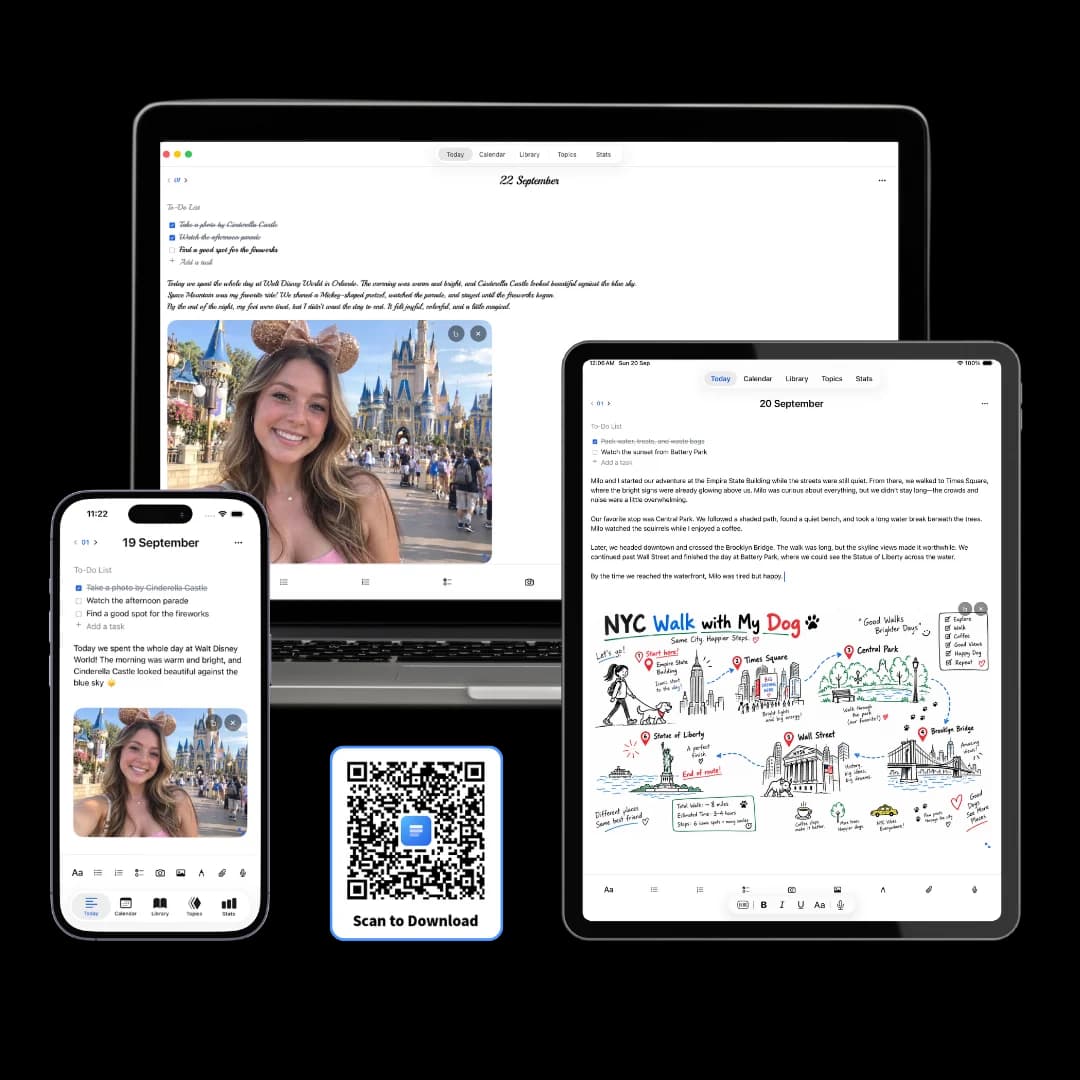
3 Pages Daily is a free morning pages app for iPhone, iPad and Mac that opens three blank, dated pages every morning, ready to type, handwrite or speak into. Your pages stay on your device, and every morning you have written is one tap away.
What are morning pages?
Morning pages are three pages of longhand, stream-of-consciousness writing done first thing in the morning, a practice Julia Cameron describes in her 1992 book The Artist's Way.
You write whatever comes, without editing or rereading, until three pages are full. The aim is to move the noise of the mind onto paper before the day begins. The three pages a day guide covers the method in depth; this page is about doing it in an app.
Three blank pages, waiting every morning
Morning pages work best when starting takes zero decisions. Open the app and today's three pages are already there, dated, with nothing to name or set up. Write until the third page is full, then get on with your day.
Exactly three pages
The method's own unit, built into the day. Each page holds as much as you write.
Filed by date
Every morning files itself under its date, so the archive builds while you write.
A list for after
Tasks that surface mid-page go on the page's to-do list, so the writing keeps moving.
Five simple tabs
Today, Calendar, Library, Topics and Stats. Today is where the morning starts.
Type it, handwrite it, or say it out loud
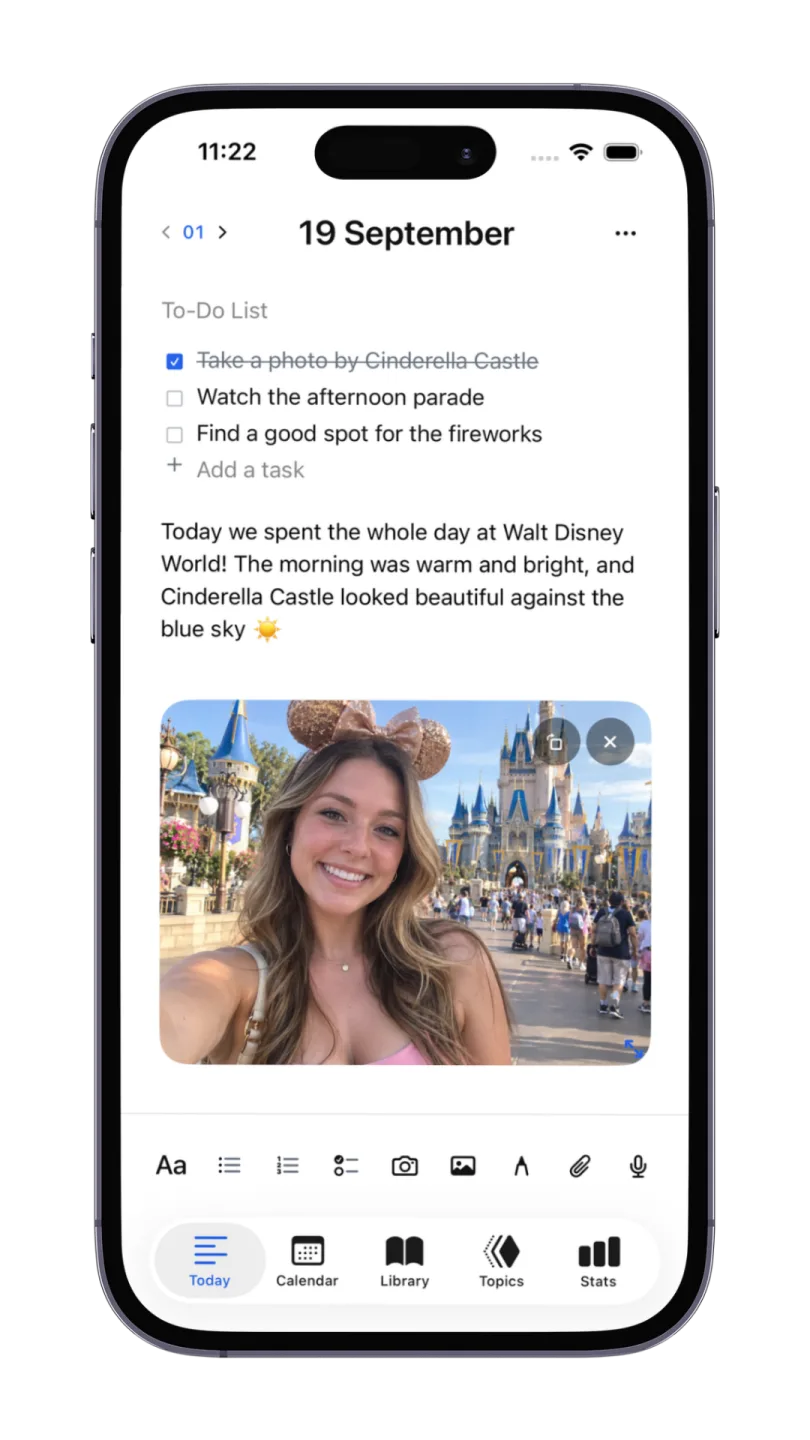
Cameron wrote her pages by hand. Some mornings the keyboard is faster, and some mornings talking is easier than either. 3 Pages Daily takes all three on the same page, so the habit fits the morning you are having.
Handwriting on iPad
Write longhand with Apple Pencil, right on the dated page.
Typing on Mac and iPhone
A full keyboard on Mac for long, fast pages; the phone for mornings away from a desk.
Voice notes with transcripts
Speak your pages and read the transcript on the page, with the recording kept beside it.
Photos and sketches
Add a picture or a quick drawing when a thought is easier shown than described.
See the habit add up
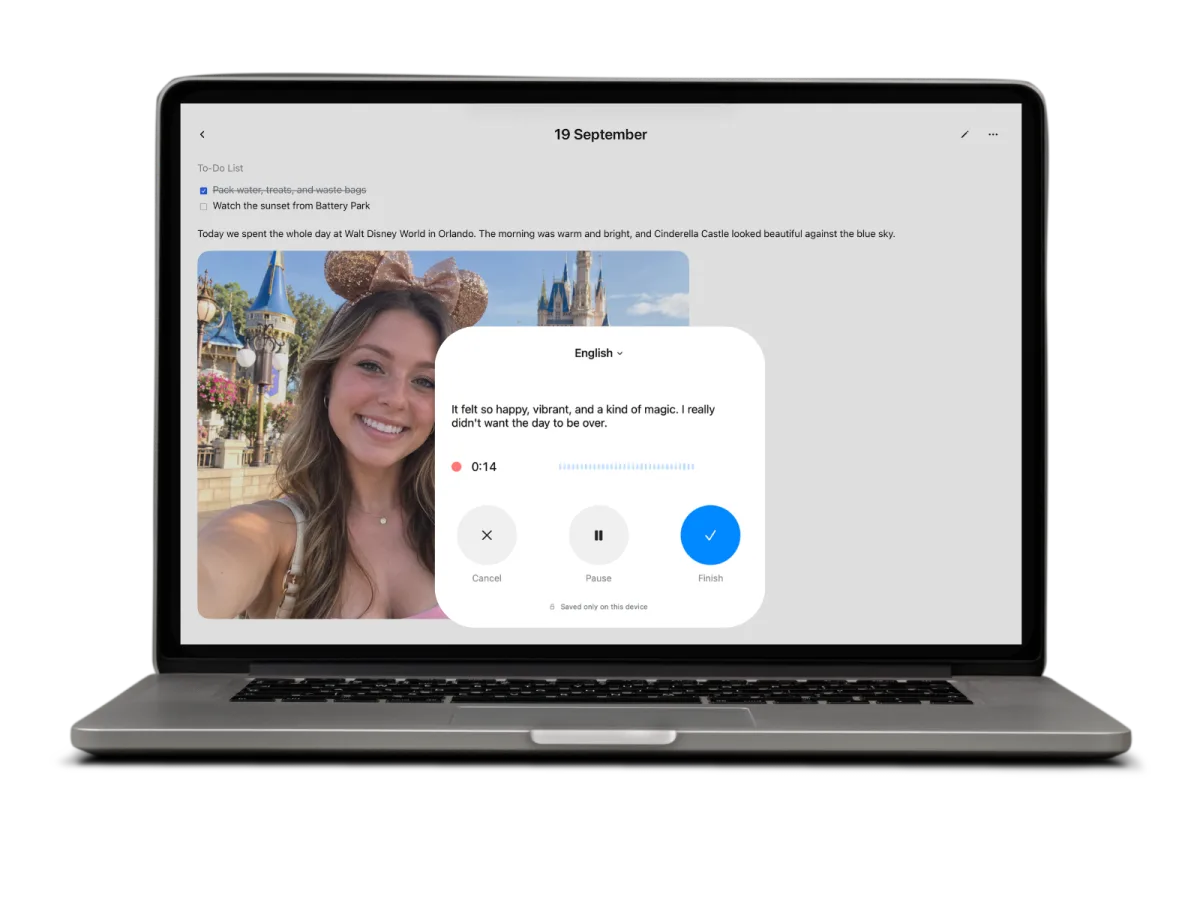
The value of morning pages shows over weeks. The Stats tab keeps your day streak and a words-per-day chart, and the Calendar marks every morning you wrote, so a month of pages is easy to look back on.
Day streak
A plain count of the mornings in a row you showed up for the page.
Words per day
A chart of how much you wrote, morning by morning.
Search old mornings
Search from the Calendar to find a phrase you wrote weeks ago.
Topics across dates
Tag pages that return to the same subject and read them as one thread.
A morning pages routine in three steps
The app handles the structure. The routine is yours.
Open it before anything else
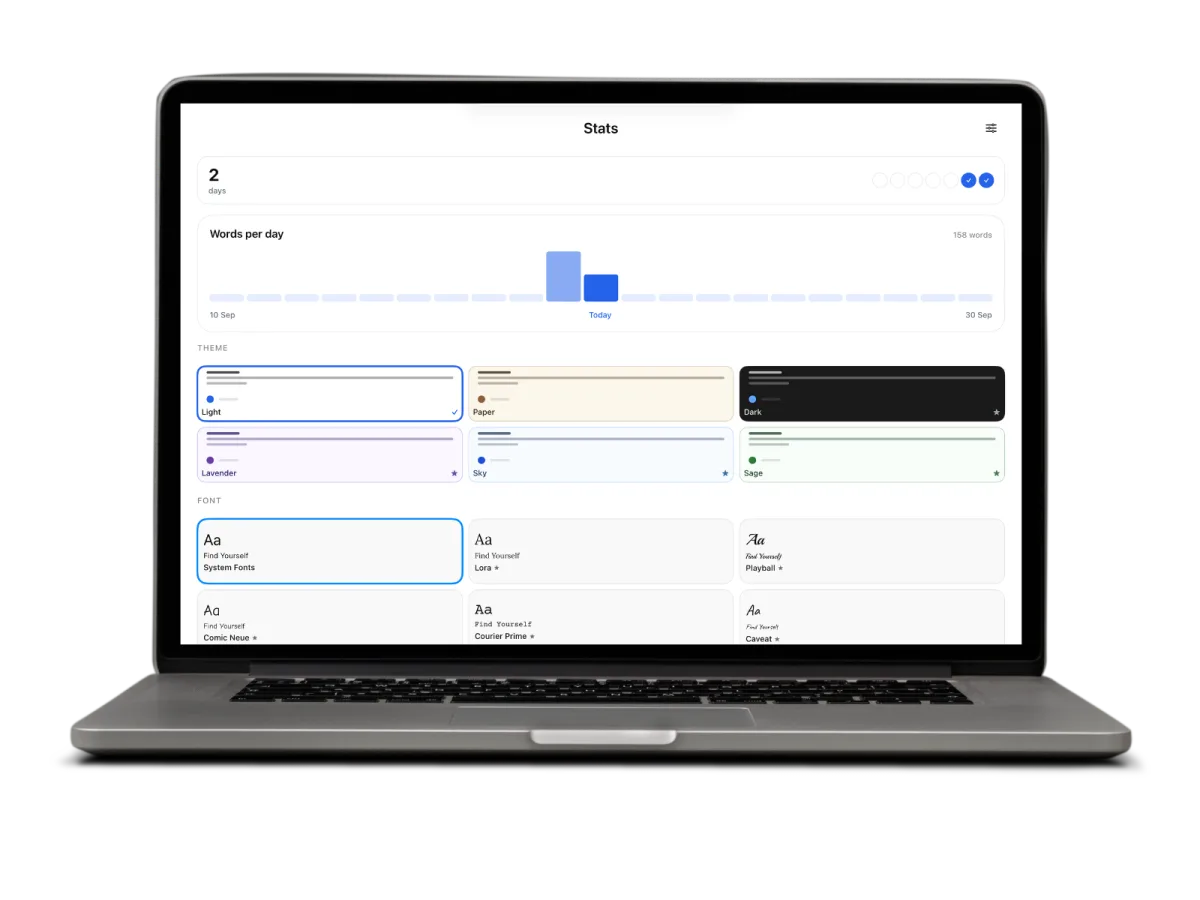
Put the app where your thumb lands first in the morning, ahead of messages and news. Today's pages are already open.
Fill three pages
Write whatever is there, in whatever order it arrives. Keep going until the third page is full, then stop.
Close it and start the day
Leave the pages unread for now. Look back weekly or monthly from the Calendar, when patterns are easier to see.
Writing on Windows or Android?
3 Pages Daily also runs as a free web app in any browser, with the same three pages a day. It is a separate product with its own journal in your account, made for Windows, Android and any computer with a browser.
Frequently asked questions
3 Pages Daily is a morning pages app built around the method's own unit: three pages. Each morning opens to three blank pages filed under the date, so you can start writing the moment the app opens. It is free to download for iPhone, iPad and Mac, keeps entries on your device behind a passcode with Face ID or Touch ID unlock, and takes typing, Apple Pencil handwriting on iPad and voice notes on the same page.
Yes. 3 Pages Daily on iPhone opens straight to today's three pages, so morning pages fit on the phone you already pick up when you wake. Type with the keyboard, or record a voice note and get a transcript on the page. Your streak and a words-per-day chart sit in the Stats tab, and every past morning stays one tap away in the Calendar.
Three handwritten pages, roughly 750 words, take most people 20 to 40 minutes. Typing is usually quicker: at 40 words a minute, 750 words takes about 19 minutes. Speaking is quicker still, at around 5 to 7 minutes. The length matters more than the clock, because the third page is where writing tends to move past the to-do list and into what is really on your mind.
Julia Cameron's method in The Artist's Way calls for longhand, and many people keep to it. On iPad, 3 Pages Daily lets you handwrite straight onto the page with Apple Pencil, so the pages stay handwritten and still file themselves by date. Typing works well for people who think faster at a keyboard, and the habit of filling three pages each morning stays the same.
Yes. 3 Pages Daily is free to download on the App Store for iPhone, iPad and Mac, and every day gives you three pages with no word limit. There is also a free web app for Windows, Android and any other browser. The web app is a separate product with its own journal, so pick the one that matches where you write each morning.
Yes. The iPhone, iPad and Mac app stores your pages on the device itself and can be locked with a four-digit passcode that unlocks with Face ID, or Touch ID on devices without Face ID, so what you write in the morning stays between you and the page. You can start writing as soon as the app opens, without creating an account, and you decide whether any page ever leaves your device.
Keep exploring
Need a first line for tomorrow morning? Try these morning journal prompts. To go deeper on the writing itself, read about freewriting and stream of consciousness writing, or compare tools in 750 Words alternatives and the best journal apps.
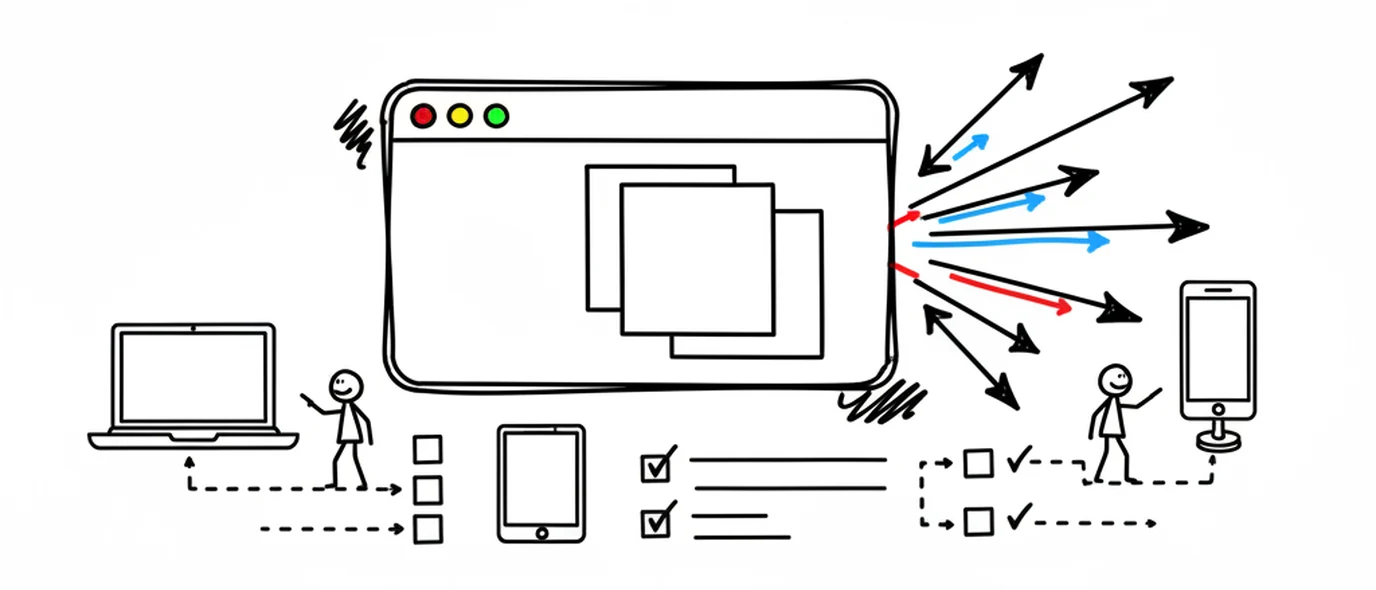
Online journal
Open your journal on any computer you can sign in on, with nothing to install.
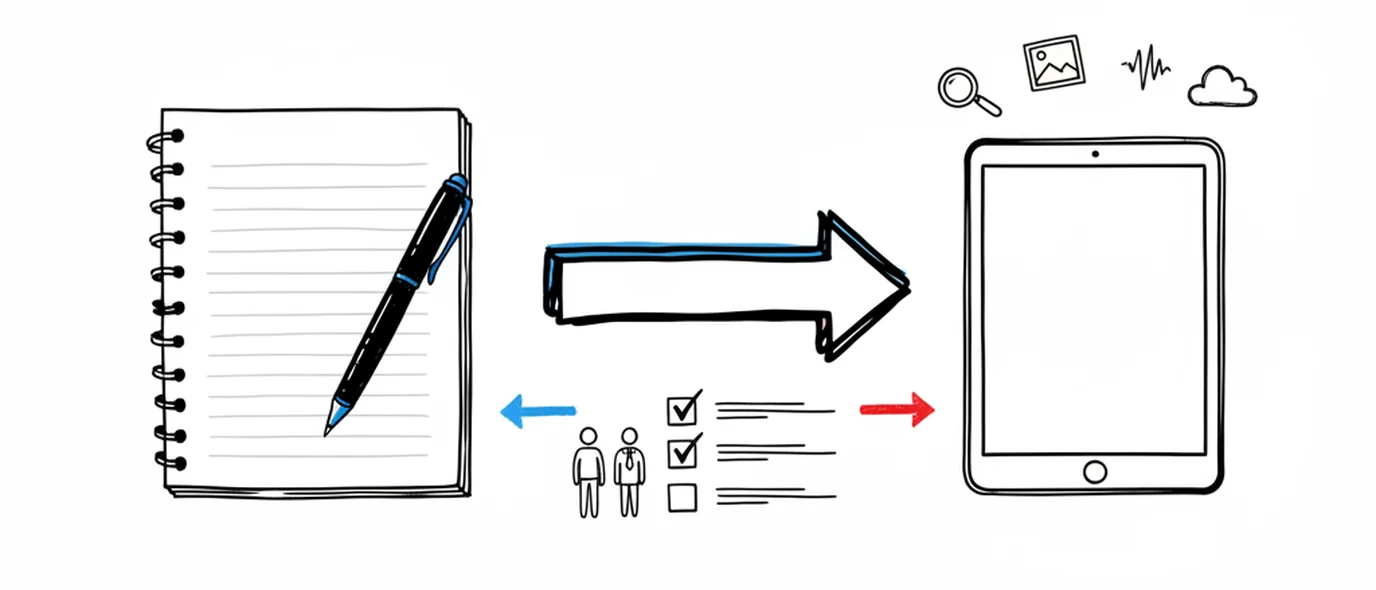
Digital journal
What you gain by keeping a journal on a screen, and the one thing paper still does better.
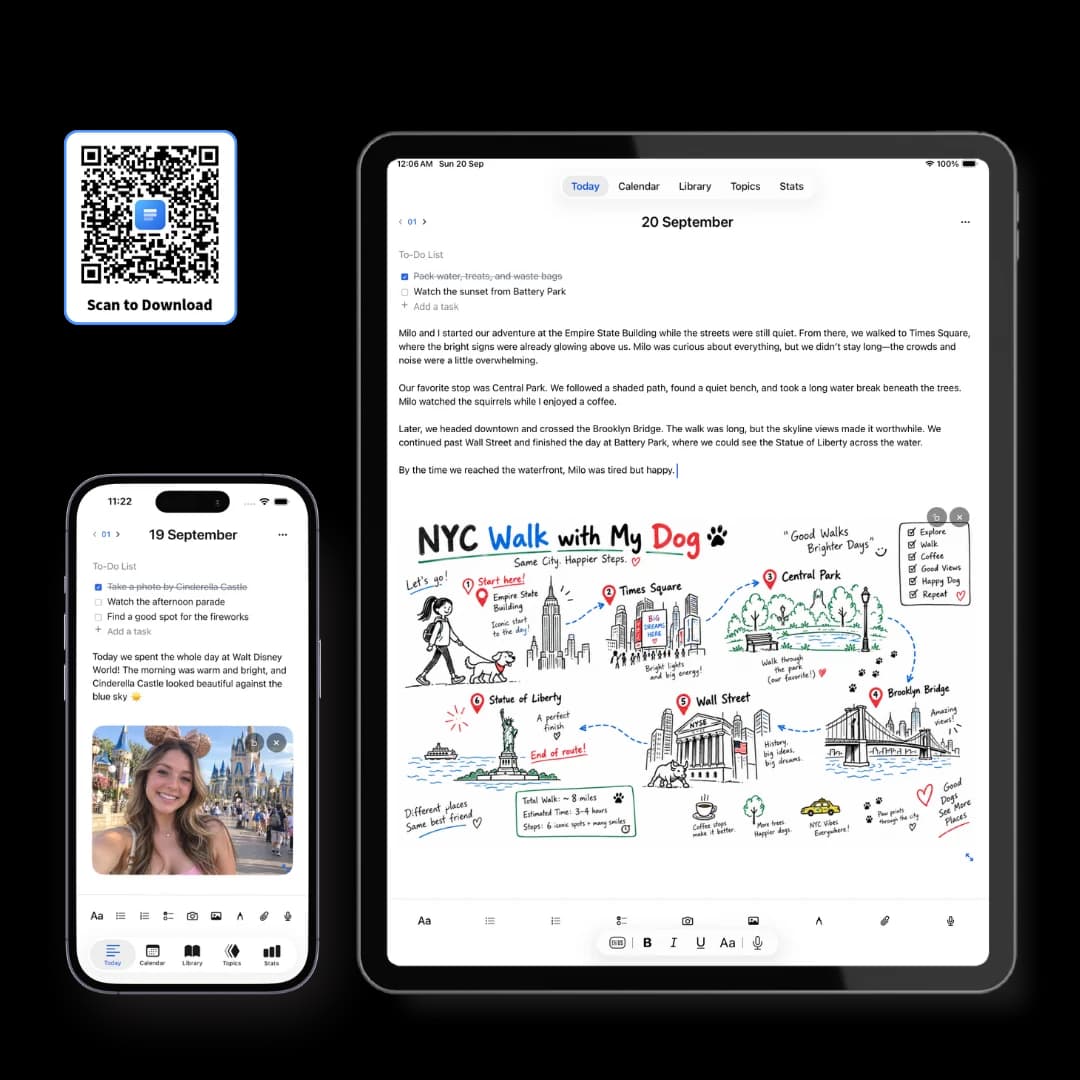
iPhone, iPad & Mac app
The free app for iPhone, iPad and Mac, with your journal kept on the device itself.
Make room for your mind
every day.
Three pages a day. No setup, no folders, no complexity. Just open it and write.