Plan the day on the
page you journal on
A to-do list at the top, everything else underneath. The plan and the record of what actually happened end up in the same place, under the same date.
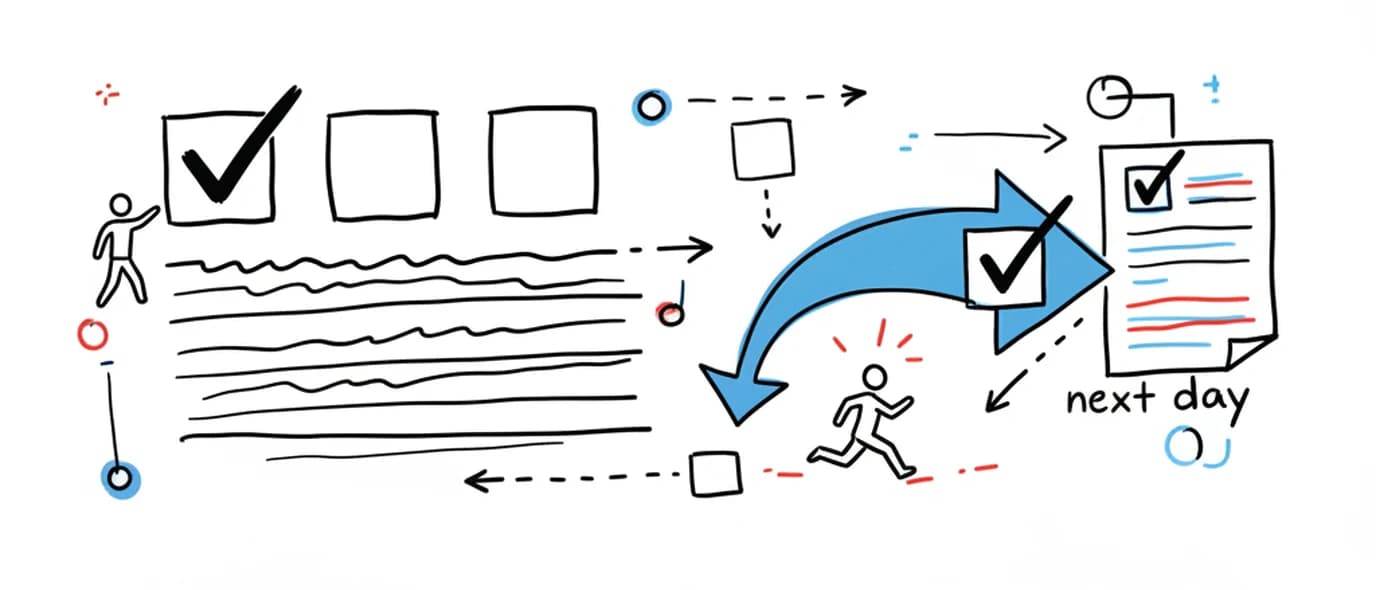
Every page opens with a to-do list above an open writing area, and you decide how long the list gets.
Tasks can be added without choosing a project or a due date. At the end of the day, anything unfinished is offered back to you to move forward, complete, or leave behind. Plan and journal stay on one sheet rather than in two separate tools.
A list at the top, the day underneath
The list sits above the writing, on the same page, so what you meant to do and what actually happened stay together. Up to six items per list, and every page gets its own.
A renameable list
Defaults to "To-Do List", but the heading is editable — call it whatever you call it.
Quick capture
Write a task without deciding where it belongs. Categorize later, or not at all.
Per-page lists
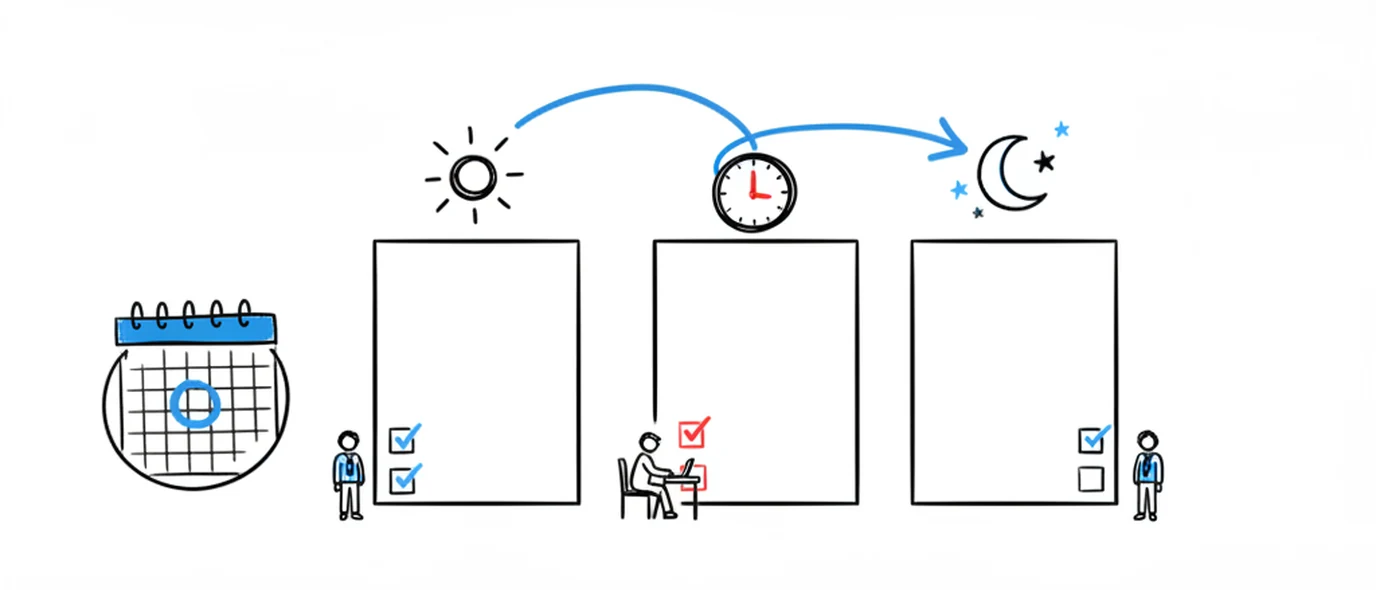
Each of the day's pages carries its own list, so a busy day has room without one list getting long.
Checklists inline
Checkboxes work anywhere in the text too — a packing list mid-entry is just a list.
Unfinished doesn't mean forgotten
At the end of the day, whatever is still open comes back once and asks what you want to do with it. Deciding is the point — that's what makes a to-do list stay honest.
Move forward
Carry it to tomorrow's page, where it's visible again rather than buried.
Mark done
Close it out from the prompt without hunting for the original entry.
Leave it
Let it stay on the day it belonged to. Some tasks stop mattering, and that's information.
Topics for threads
Tag related pages with a Topic to follow one project across weeks without a project view.

What this replaces
Most people planning a day are already using two or three tools that don't know about each other.
A to-do app you stopped opening
Task apps hold what you intend to do. They rarely hold what happened, which is the half that makes a review useful.
Notes scattered by app
The task in one app, the meeting note in another, the photo in the camera roll. Same day, three places, no context.
A paper bullet journal
Excellent for focus, weak on search and backup. The rhythm survives the move to digital; the hand-drawn index doesn't need to.
Compared with the Bullet Journal method
Bullet journaling is a genuinely good system. This keeps the parts that survive a busy week and drops the parts that need maintenance.
Frequently asked questions
It borrows the rhythm rather than the notation. Bullet journaling's useful parts — capture quickly, keep today in front of you, migrate what didn't get done — are built in. The parts that take setup, like an index, custom keys and hand-drawn collections, are not. If you want the full method with your own signifiers and spreads, a paper notebook or a dedicated bujo app will serve you better.
They surface quietly at the end of the day, and you choose: move it to tomorrow, mark it done, or leave it where it is. Nothing auto-rolls and nothing nags. The point of migration in the original method was that rewriting a task forces you to decide whether it still matters — carrying it forward silently defeats that.
Yes, with checklists rather than a dedicated habit grid. Any page can hold a task list, so a repeating set of checkboxes works as a daily habit tracker, and the Stats page shows days journaled, pages completed and your current streak. There is no separate habit module with charts per habit.
That's the main reason the planner lives inside the journal rather than beside it. The to-do list sits at the top of the page and the writing sits below it, on the same sheet, under the same date — so a week later you can see what you planned and what actually happened without opening two apps.
Yes. The Calendar shows which days have entries and lets you open any past day directly. You can also search from the calendar across your page text, links, tasks and image filenames.
Up to six per list, and every page has its own list — so a normal day with three pages can hold eighteen. Most days need two or three. You can also rename the list to whatever you actually call it; the heading is editable.
Keep exploring
Planning works better when the reflection half is easy too. The three-page daily structure is what keeps both on the same sheet.
Make room for your mind
every day.
Three pages a day. No setup, no folders, no complexity. Just open it and write.