Find anything
you've written
One search box covers your entries, your voice transcripts and the words inside photos you added. Everything you attach is collected into a library as you go, without you filing any of it.
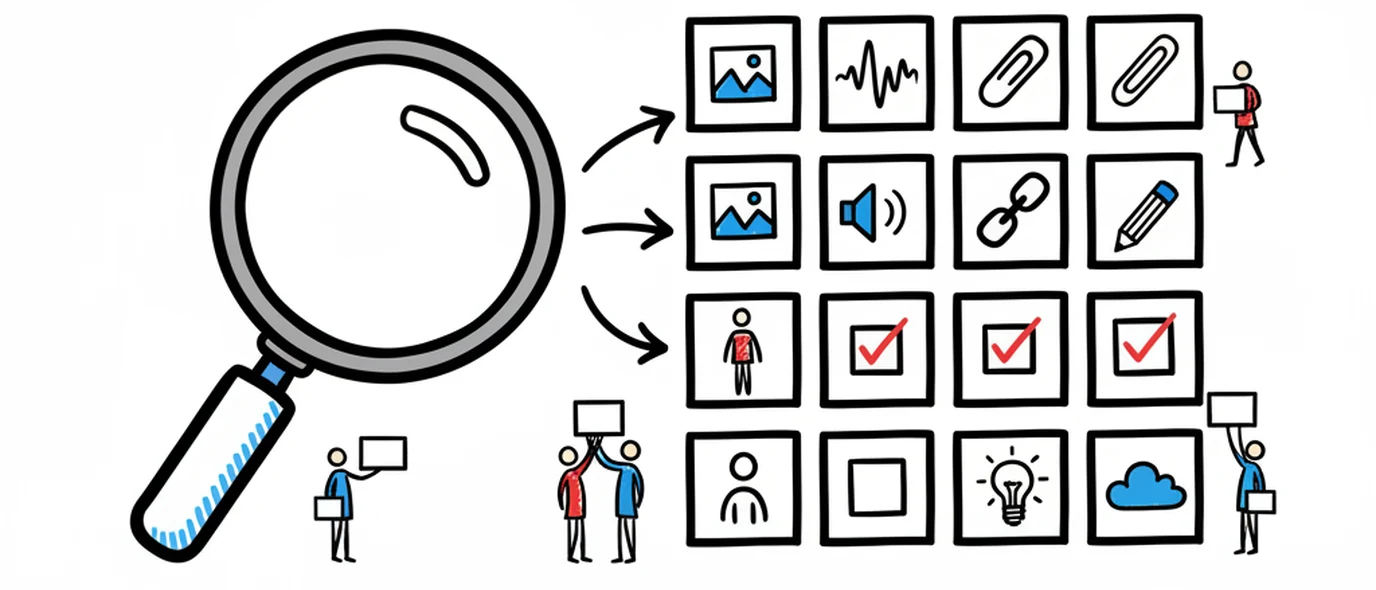
One search box covers everything you wrote, said, or photographed — and the Calendar is there for when you only remember roughly when.
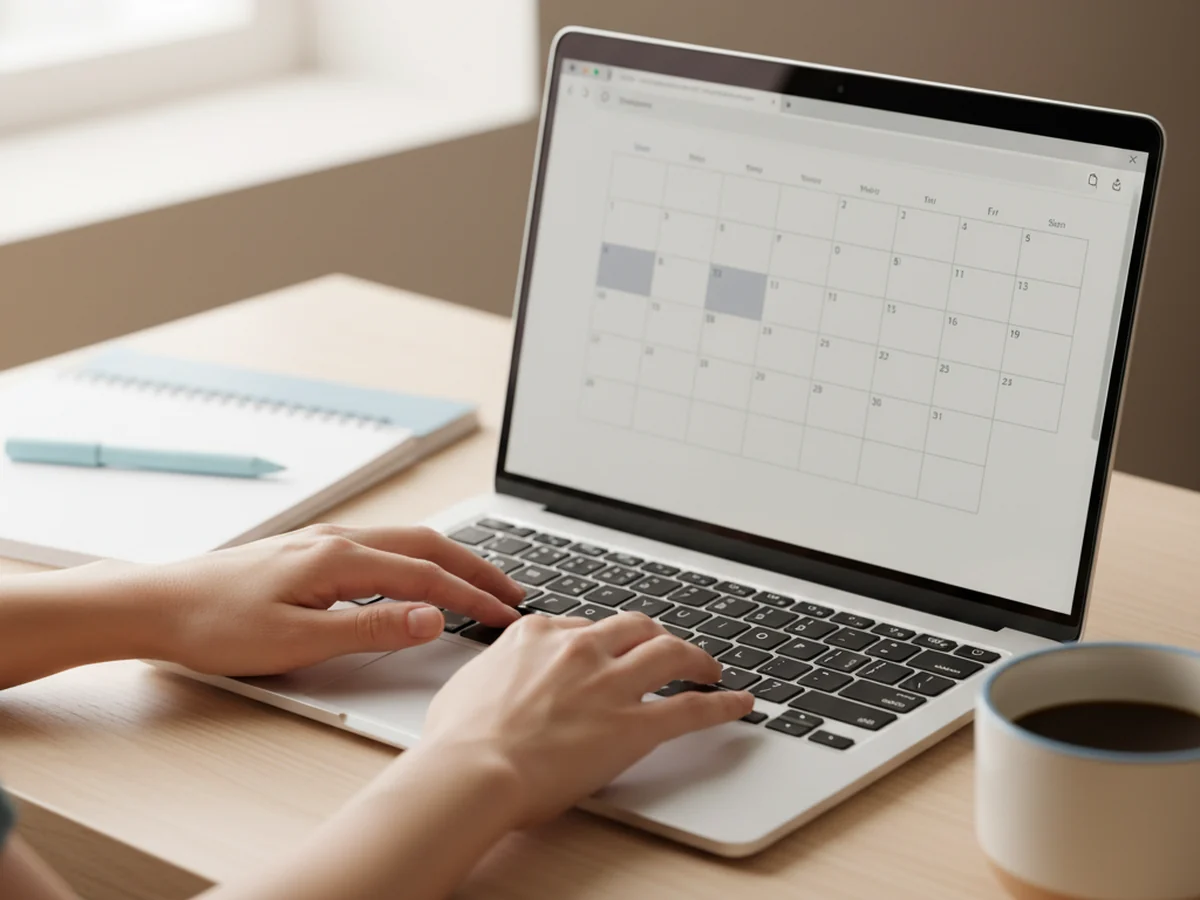
The Calendar marks which days have entries and carries a search box that looks through page text, link titles and addresses, task items and image filenames. The Library takes the other approach — it auto-collects every image, drawing, attachment, voice note and link you've added into browsable tabs, each still tied to the day it came from.
Search from the calendar
Search and date live in the same place, because remembering roughly when something happened is usually easier than remembering exactly what you called it.
Page text
Everything you've typed, across every day you've written.
Links
Matches on both the link text and the address, so a half-remembered domain is enough.
Voice transcripts and tasks
What you said and what you planned, matched alongside the prose around them.
Text inside images
Words extracted from photos and screenshots are matched too, alongside their filenames.
Everything you added, already collected
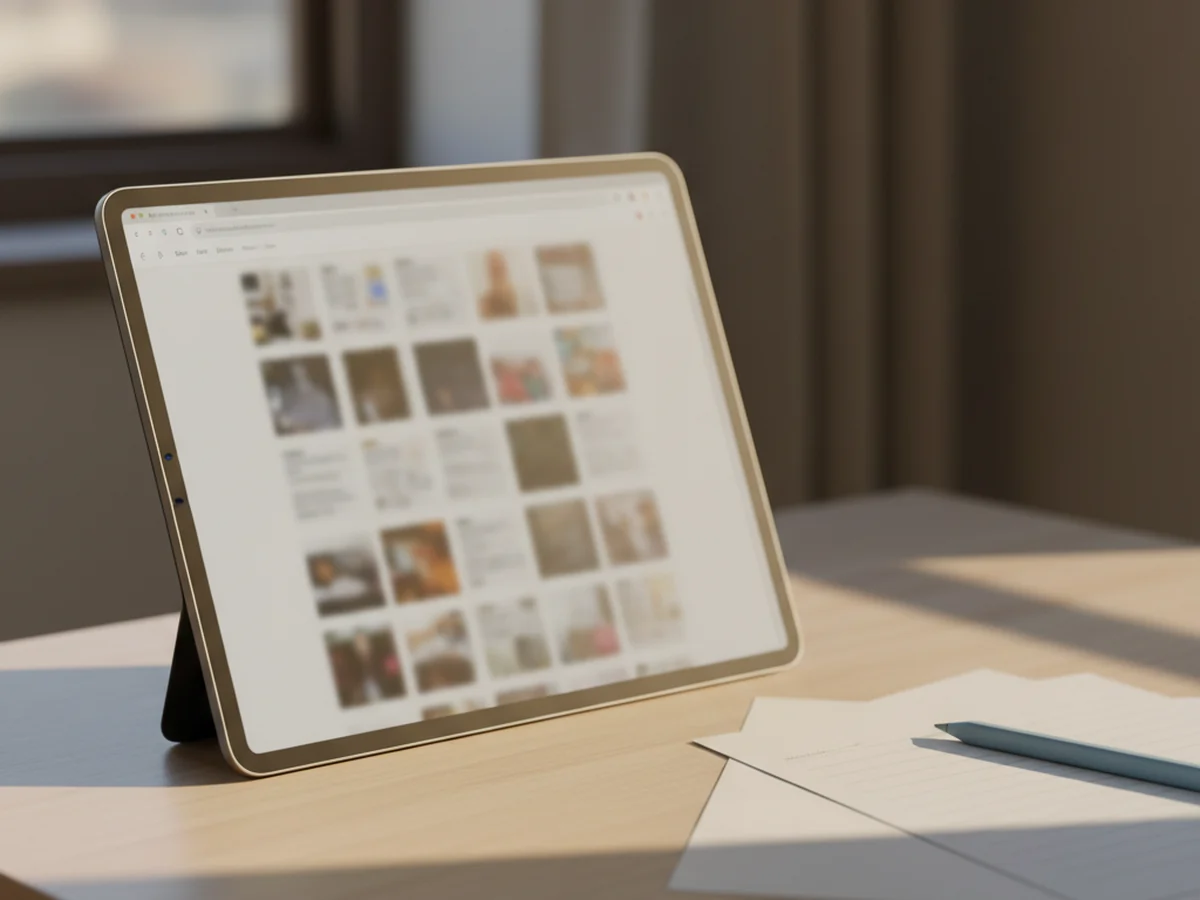
You never file anything. Adding a photo, a drawing, a recording, a link or a PDF to a page also puts it in the Library, sorted into its own tab and still attached to its date.
Five tabs
Images, Drawings, Attachments, Voice and Links — each one built automatically.
Filter in place
Narrow a tab down without leaving it, including filtering voice notes by transcript text.
Back to the day
Every item links to the page it came from, so you get the context and not just the file.
Topics across dates
Tag pages with a Topic to follow one thread through months of otherwise unrelated days.
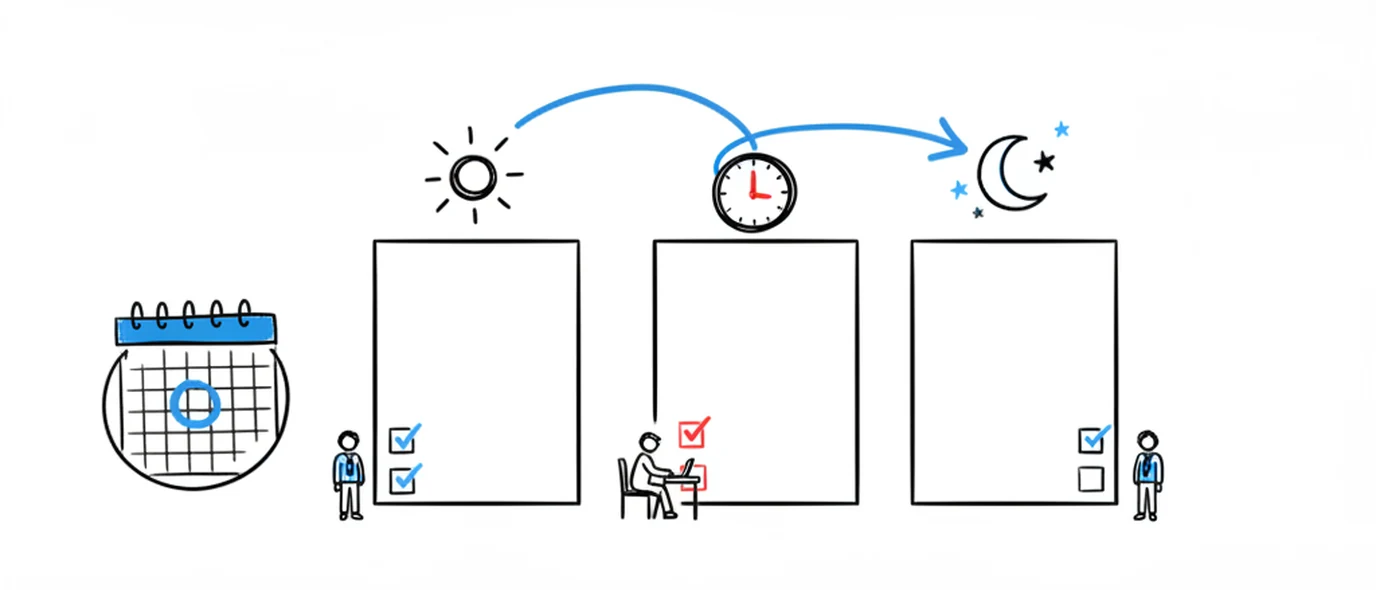
The three ways people look for something
Which one works depends entirely on what you happen to remember.
You remember the words
Search. Half a phrase is enough, and it covers what you typed, what you said in a voice note, and text inside photos you uploaded.
You remember roughly when
Open the Calendar and scan the month. Days with entries are marked, so the right week is a few seconds away.
You remember the thing, not the day
Go to the Library. If it was a photo, a voice note, a link or a PDF, it's in a tab whether or not you ever organized it.
Why this beats a paper journal on retrieval
Paper wins on focus and on feel. This is the one dimension where it simply can't compete.
Frequently asked questions
Search runs from the Calendar and looks through your page text, the text and addresses of links you've saved, your task items, and image filenames. It's aimed at the common case — you remember roughly what you wrote and roughly when — rather than at indexing every possible format.
Yes. Text is extracted from every image you upload and matched when you search, so a photo of a whiteboard or a receipt comes back from a text query. The one gap is handwriting inside a drawing you made on the canvas — that stays an image and isn't read.
Yes. Transcripts are searched alongside everything you typed, from the same box on the Calendar — so a phrase you said months ago comes back the same way a phrase you wrote does. The Library's Voice tab also filters voice notes on their own if you'd rather browse.
A view that automatically collects everything non-text you've added, split into tabs: Images, Drawings, Attachments, Voice and Links. Nothing is filed by hand — adding a photo to Tuesday's page puts it in the Images tab, and it stays linked to Tuesday. It's the answer to "I know I saved that link somewhere".
A folder decides where something lives before you write it. A Topic is a label you add whenever you feel like it, including months later, and one page can carry several. Free accounts get up to 3 Topics; Premium is unlimited. Nothing needs a Topic to be findable — date is always the primary organization.
Open the Calendar. Days with entries are marked, so scanning a month for the week you're thinking of is usually faster than guessing at a search term. Most people find old entries by date first and search second.
Keep exploring
Search only matters if the writing survives. Everything is private, encrypted and exportable — including on the free plan.
Make room for your mind
every day.
Three pages a day. No setup, no folders, no complexity. Just open it and write.