Everything on one page
Three Pages Daily is built around one idea: the journal you keep is the one that's already open. Here is what's on the page when it opens.
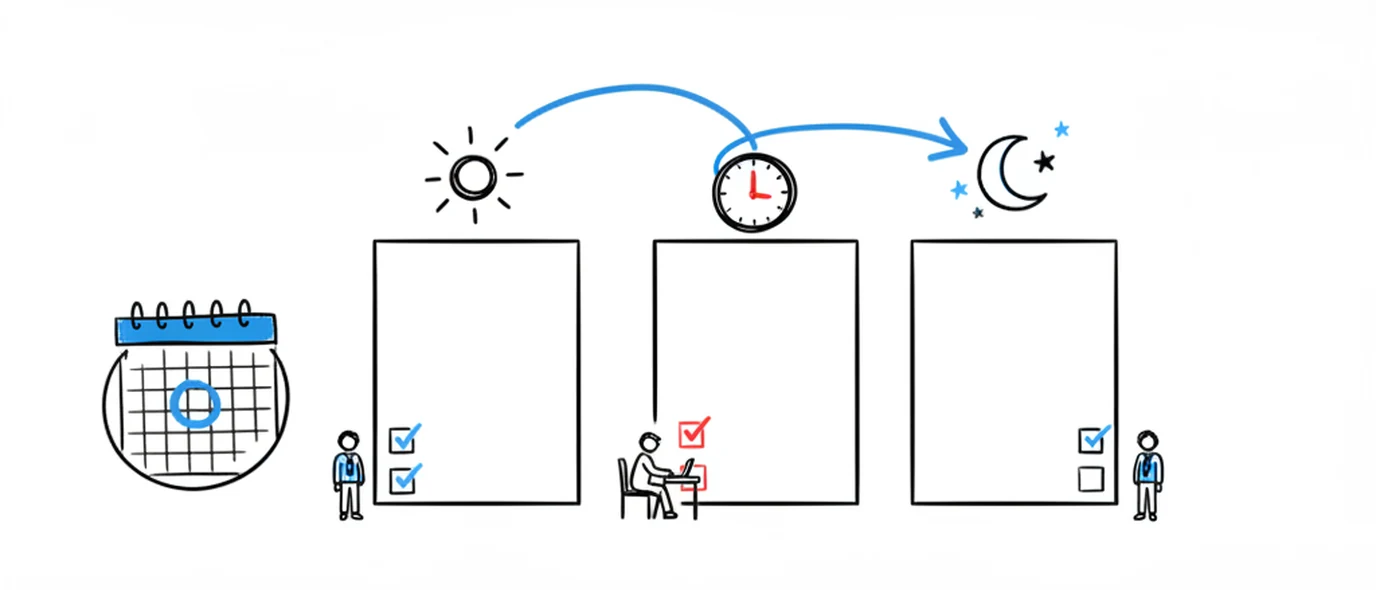
Three pages a day
The daily structure: three open pages, organized by date, no folders to set up.
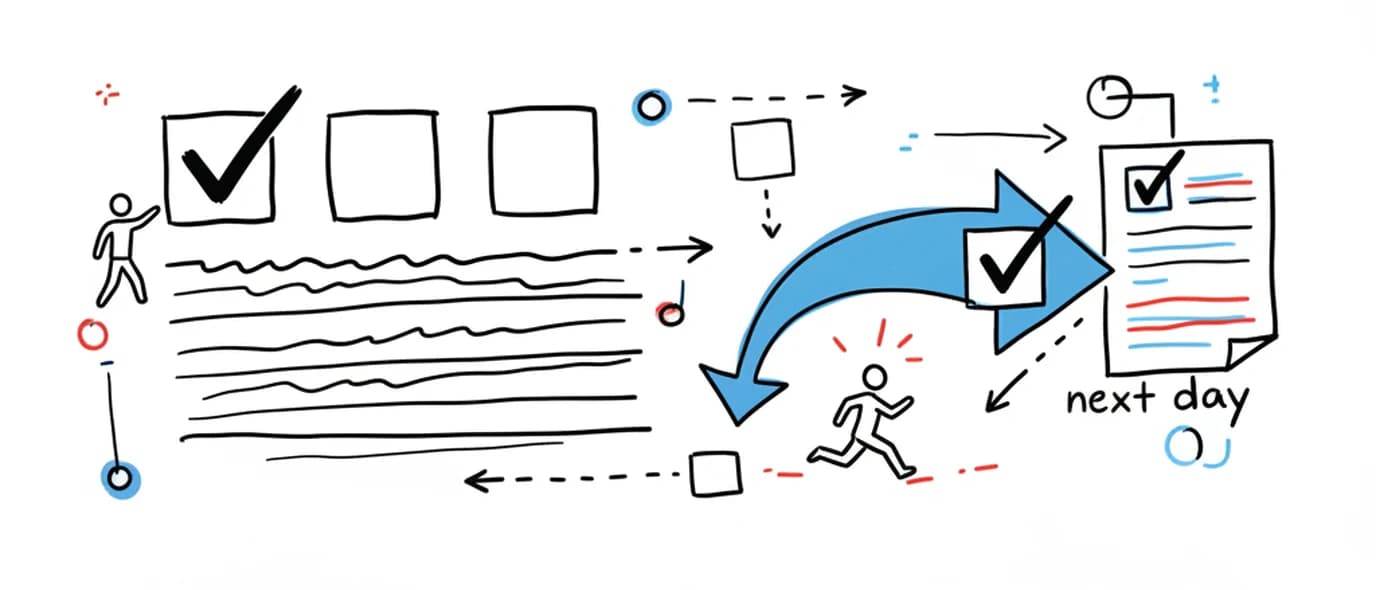
Daily planner
A to-do list on every page, quick capture, and gentle migration of whatever didn't get done.
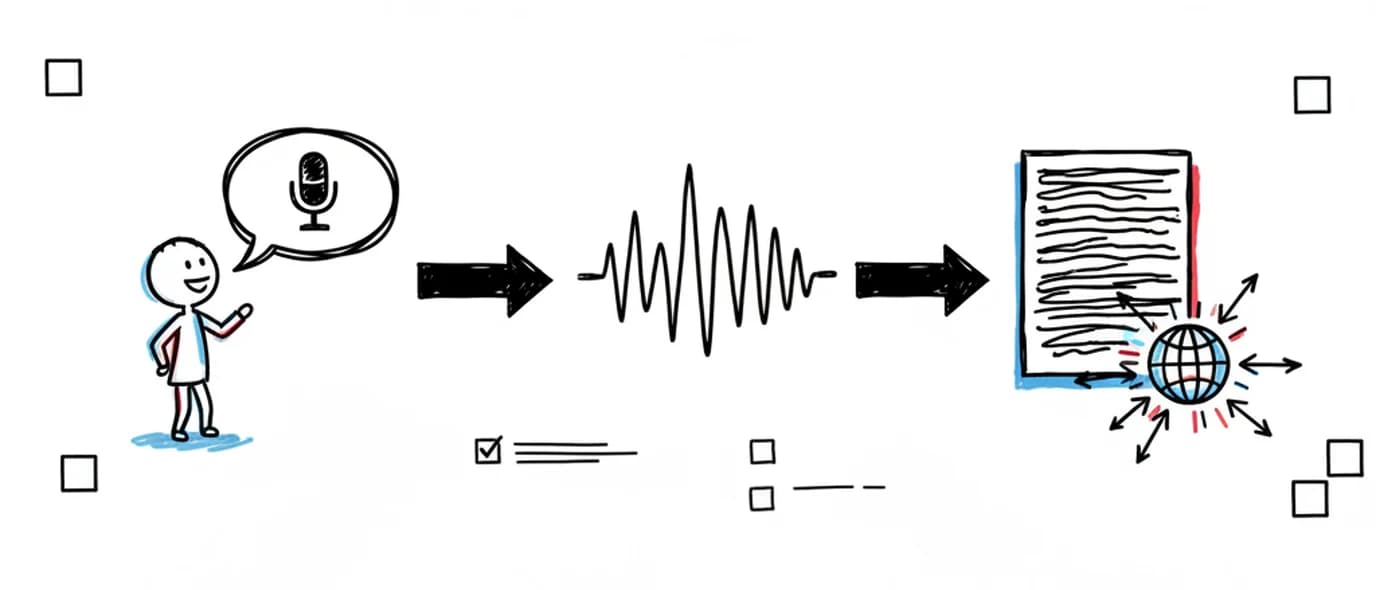
Voice journal
Record straight onto the page and get a transcript you can edit and search.
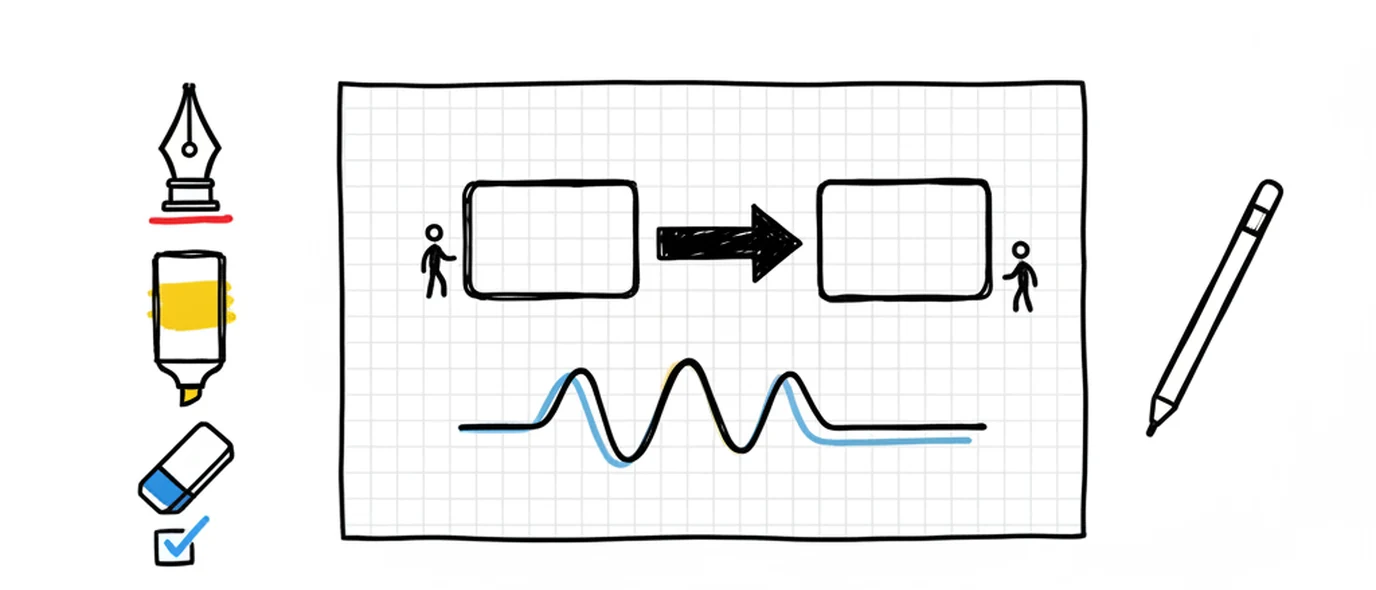
Drawing & paper
A canvas anywhere on the page, Apple Pencil on iPad, and four paper styles.
Search & Library
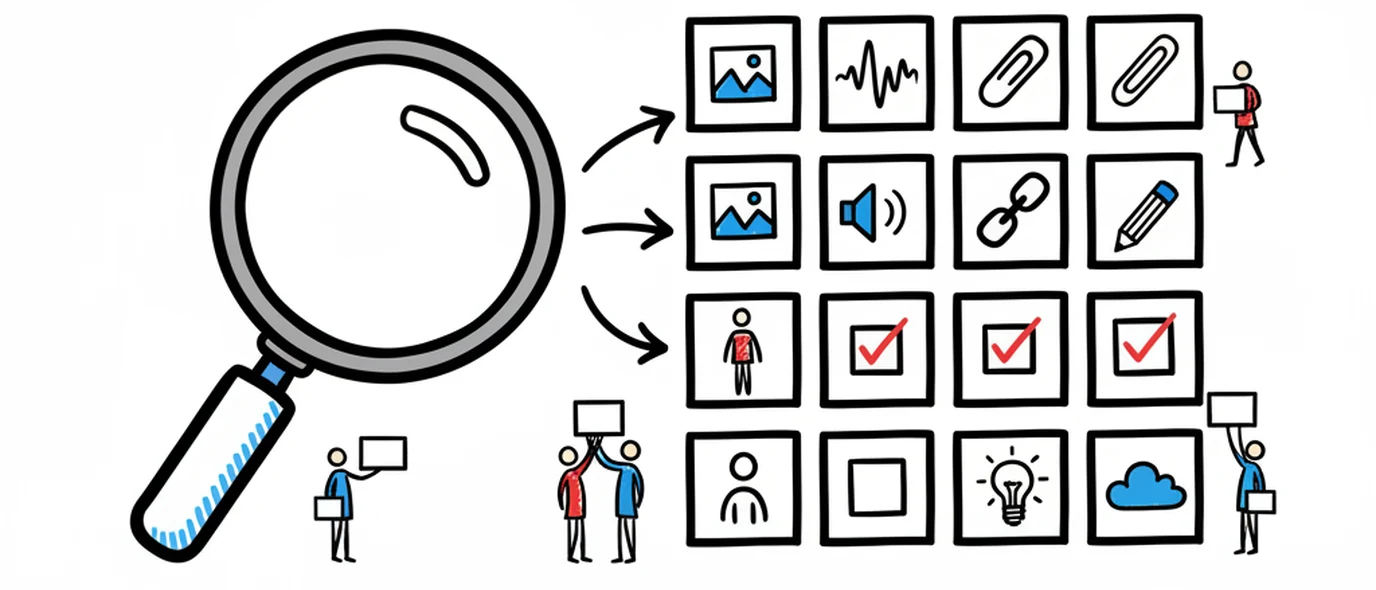
Find an old entry from the calendar, and every image, voice note and link auto-collected.
Private & yours
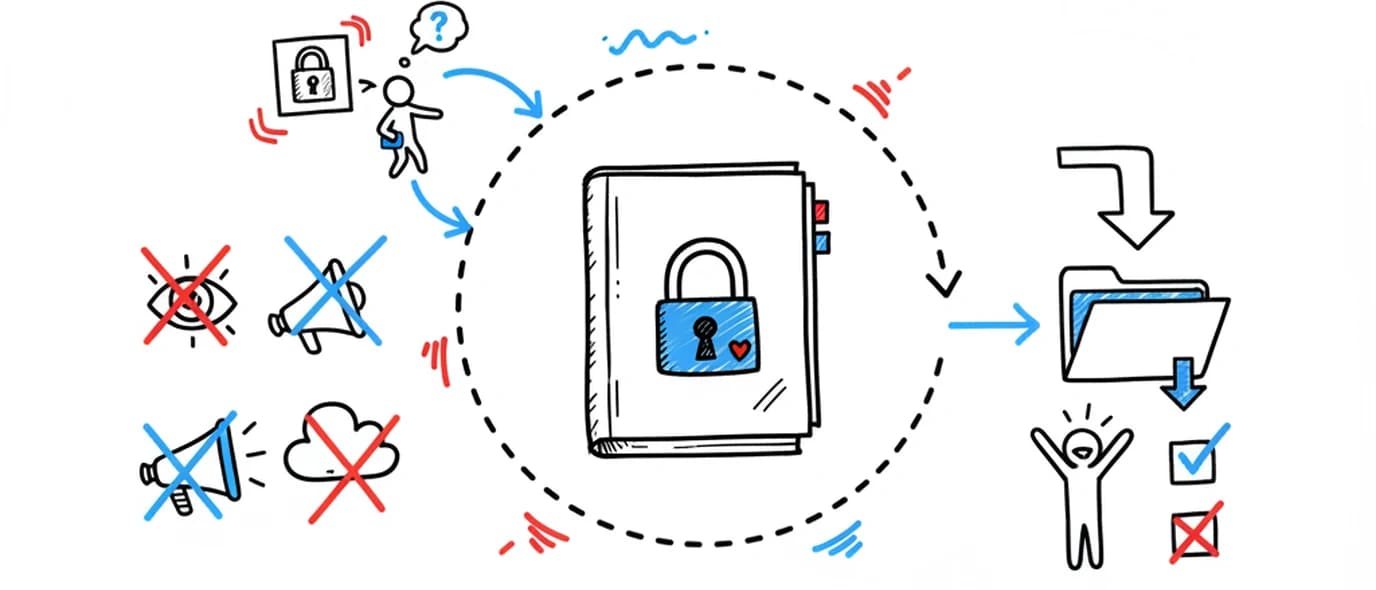
Private by default, encrypted, and exportable to Markdown or PDF whenever you want.
And the rest of it
The parts that don't need their own page, but do need to be there.
Rich text that stays out of the way
Headings, bold, italic, underline, colour, highlight, links, bullet and numbered lists, checklists and tables. A slash menu inserts blocks without a crowded toolbar.
Themes, fonts and paper
Six themes, six writing fonts and four paper styles — plain, ruled, dotted and grid — set per page or globally. Light theme and two paper styles are free.
Stats
The Stats view tracks words written, days journaled, pages completed and your current streak — enough to see the habit without turning it into a scoreboard.
Attachments
Keep PDFs, DOCX files, slides, audio and video with the day they belong to, previewable in place rather than buried in a downloads folder.
Export and ownership
Your whole journal as Markdown or PDF, on any plan. Markdown opens in any text editor, so the archive outlives the product.
Share a single day
Generate a private link for one day's pages if you want to show someone. Nothing is public by default, and share pages are excluded from search engines.
One journal, any browser — there is no app to download on any platform. The journal app overview covers writing online, on an iPad, and how digital compares with paper.
Frequently asked questions
Three pages a day with no word limit, rich text and checklists, links, images, the drawing canvas, voice recording with transcription, up to 3 Topics, full search and PDF export, with 250 MB of media storage. It's free forever, not a trial.
The features on this page are the web version, which runs in any modern browser on Mac, Windows, Linux, iPad, iPhone and Android and installs as a PWA so it gets its own icon and window. We also publish a separate iPhone, iPad and Mac app on the App Store that keeps everything on your device and works offline; it is its own product and does not sync with the web version. There is no Play Store app.
Not fully. Every keystroke is written to a local draft on your device before syncing, and failed writes are queued and retried — so a brief drop mid-sentence is safe. Lasting backup and opening your journal on another device both require a connection.
Yes, on every plan including free. Export a single page as PDF, or your whole journal as a ZIP of Markdown files or PDFs, from Settings. Premium adds batch export options; it doesn't gate access to your own writing.
Make room for your mind
every day.
Three pages a day. No setup, no folders, no complexity. Just open it and write.