Sketch anywhere
on the page
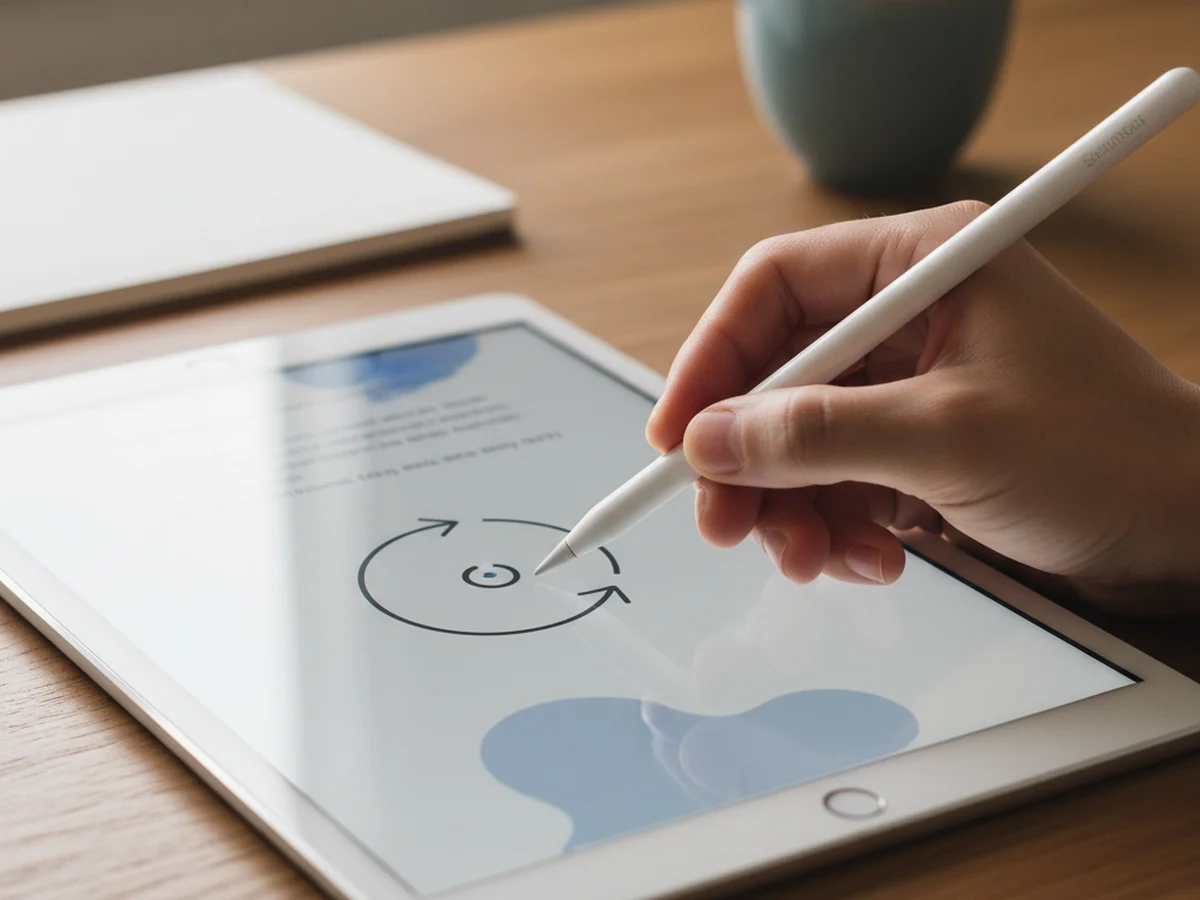
Drop a canvas into an entry and sketch with a pen, highlighter, eraser or lasso. On iPad the Apple Pencil draws while your finger keeps scrolling the page.
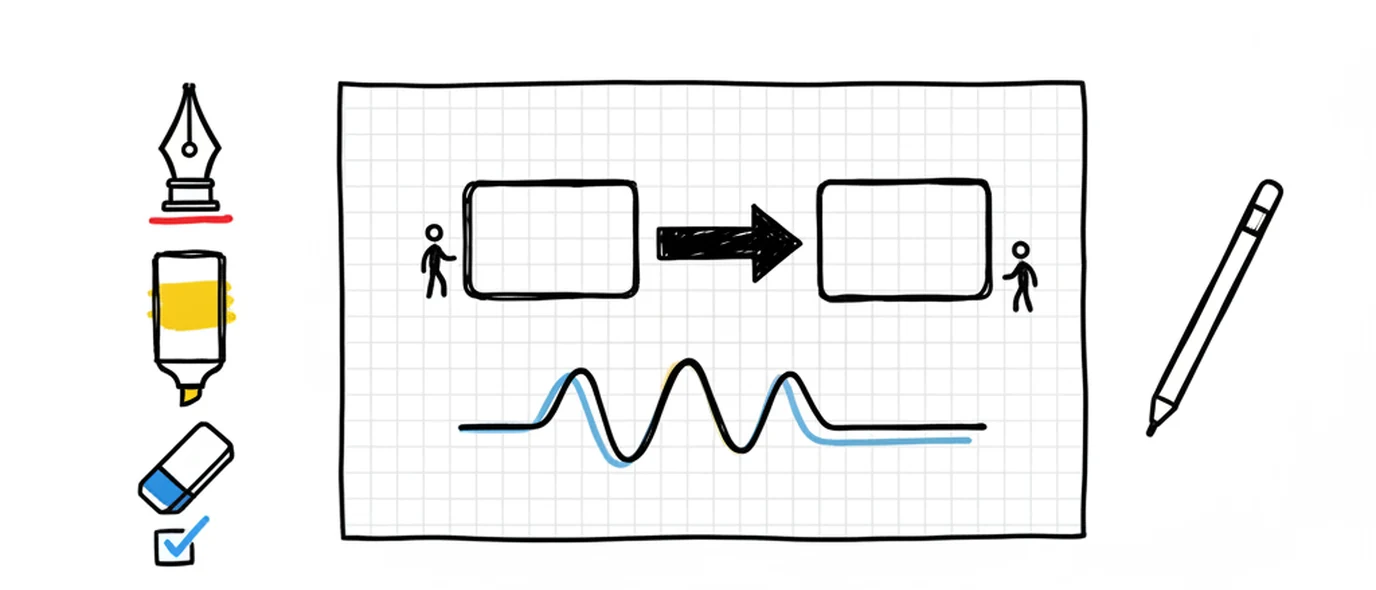
You insert a drawing canvas at any point in a page, next to the text rather than in a separate file.
The toolset is pen, highlighter, eraser and lasso. On iPad, Apple Pencil input is handled through pointer events so the Pencil draws and touch still scrolls. Drawings are saved as part of that day's page and appear in the Library's Drawings tab.
Draw in the middle of a sentence
The canvas is a block in the page, so a diagram can sit between two paragraphs instead of living in a different app you'd have to remember to open.
Pen and highlighter
Two marks: one for lines, one for emphasis over what's already there.
Eraser and lasso
Remove strokes, or lasso a section to move it somewhere that makes more sense.
Placed inline
Insert a canvas anywhere in the page — start of the entry, end, or mid-thought.
Collected automatically
Every drawing also shows up in the Library's Drawings tab, filed by date.
Make the page feel like paper
Four paper styles, six themes and six writing fonts. Not decoration for its own sake — the surface you write on changes how willing you are to start.
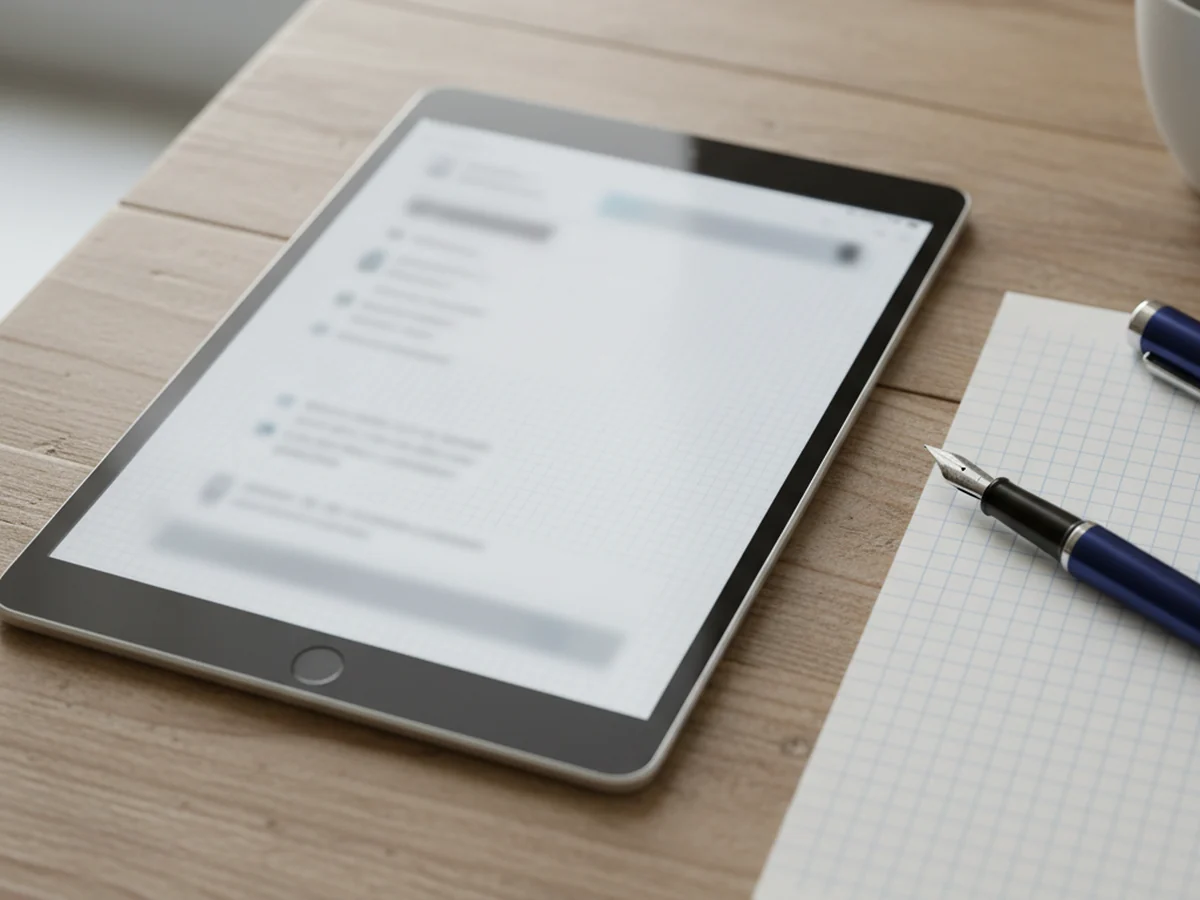
Plain, ruled, dotted, grid
Set per page or globally. Dotted is the usual choice for mixing writing and sketching.
Six themes
Light through to dark, including a warmer paper tone for evening writing.
Six writing fonts
From a clean sans to a handwriting face, if that's what makes the page feel yours.
Free plan included
Light theme and two paper styles are free; the rest come with Premium.
What the canvas actually gets used for
Almost never for art. Mostly for the things a paragraph handles badly.
A diagram mid-entry
Two boxes and an arrow explain a decision faster than three sentences trying to describe the same relationship.
A handwritten line
A signature, a margin note, a word underlined twice. The part of paper journaling that typing can't reproduce.
Marking up a photo
Circle the thing you want to remember about the screenshot before the context disappears.
Compared with a dedicated handwriting app
Goodnotes and Notability are better at handwriting than this is. They're aimed at a different job.
Frequently asked questions
Yes, on iPad in any modern browser. The canvas reads pointer events, so the Pencil draws and your finger scrolls the page — there's no mode button to toggle between writing and navigating. Pencil support needs no app install; the journal runs in Safari.
No, and deliberately. You get pen, highlighter, eraser and lasso on a canvas you can place anywhere in a page. There are no layers, no infinite canvas, no brush engine and no vector export. If you need real illustration tools or a whiteboard, use one — this is for the diagram, the sketch and the handwritten line inside an entry.
You can write by hand inside a canvas, which is how people keep a handwritten diary here. Handwriting stays an image, though — it isn't converted to text, so handwritten words are not searchable. Mixing a typed entry with a handwritten margin note is the usual compromise.
Four: plain, ruled, dotted and grid. You can set them per page or globally. Plain and one other are available on the free plan; the remaining two are Premium, along with the full set of six themes and six writing fonts.
Yes — a trackpad or mouse works for arrows, boxes, underlines and quick diagrams, which covers most of what a canvas gets used for mid-entry. Anything that needs fine control is much better with a stylus on a tablet.
Yes. The drawing canvas is available on the free Standard plan, along with three pages a day, images, voice notes, full search and PDF export. The free plan's limit is 250 MB of media storage rather than a restriction on which tools you can use.
Keep exploring
Drawing is the main reason people open this on a tablet. Here's how it works as a journal app for iPad.
Make room for your mind
every day.
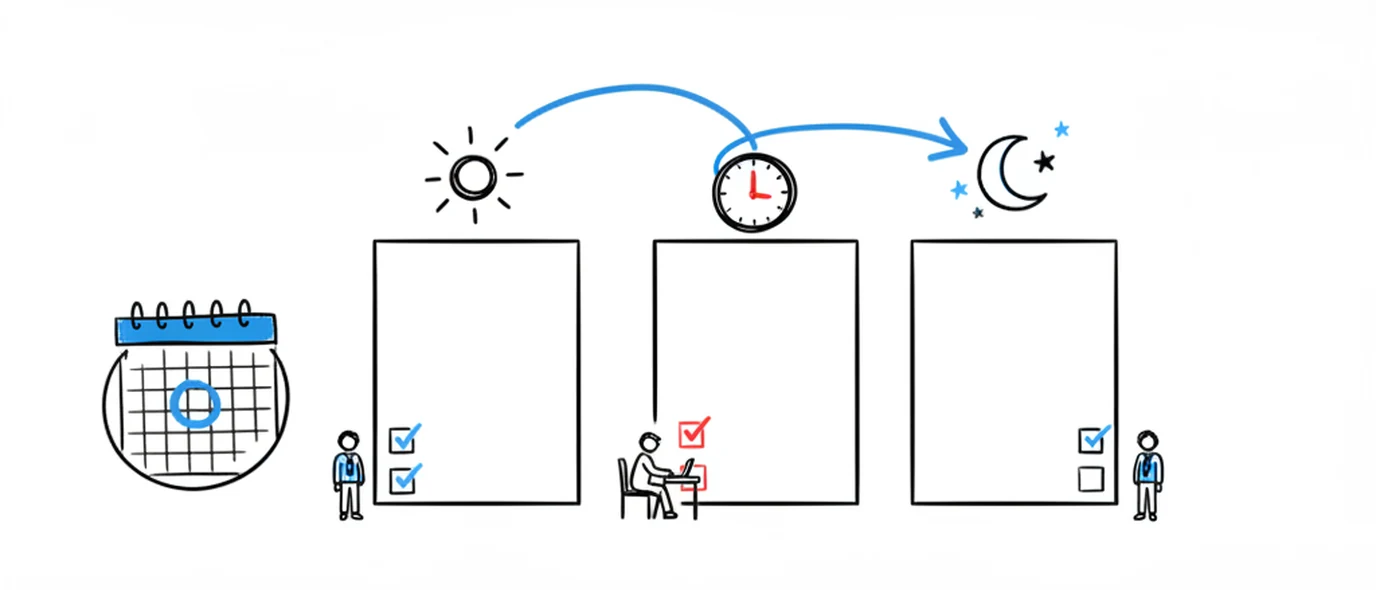
Three pages a day. No setup, no folders, no complexity. Just open it and write.