A journal app for Android,
one tap from your home screen
Three pages a day in Chrome on your phone. Say the thought out loud, tick off the day's list, and keep it all in one journal you can open on any computer later.
Free plan, Chrome on Android, sign in with Google.
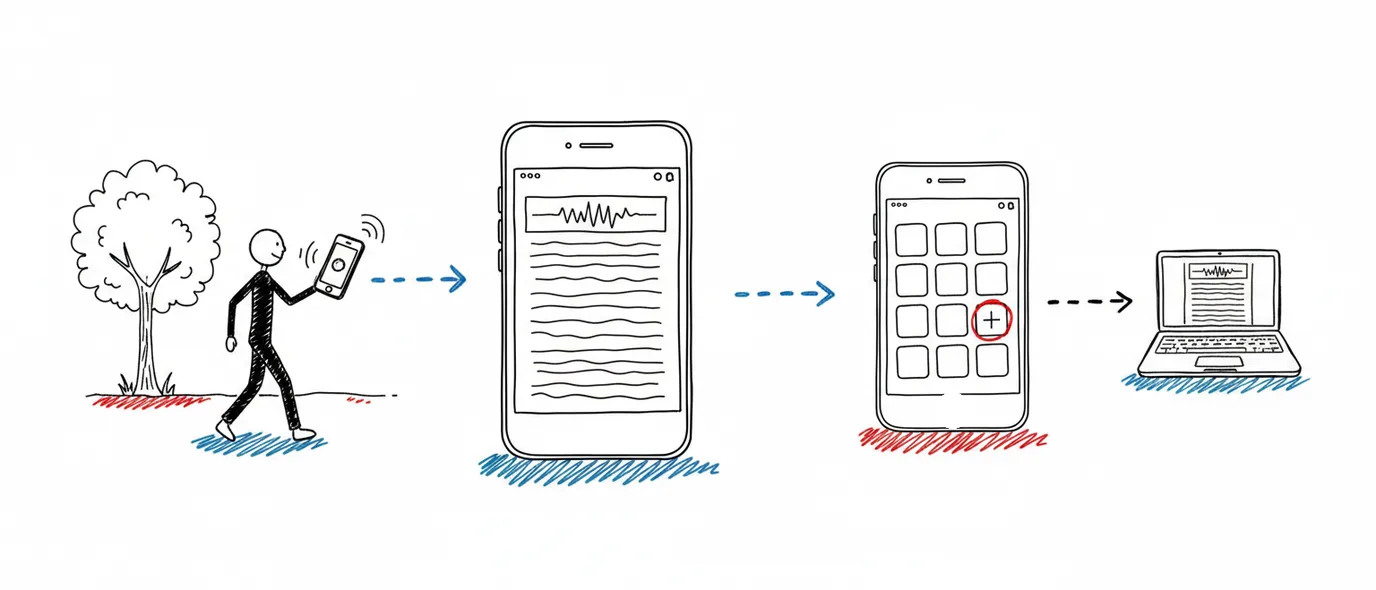
3 Pages Daily is a journal app for Android that runs in Chrome and adds to your home screen.
Each day opens to three pages filed under the date. Record a voice note and get a live transcript, keep a to-do list on each page, and add photos from the day. Every keystroke saves to the phone first, and the same journal opens in any browser you sign into.
Say it while it's fresh
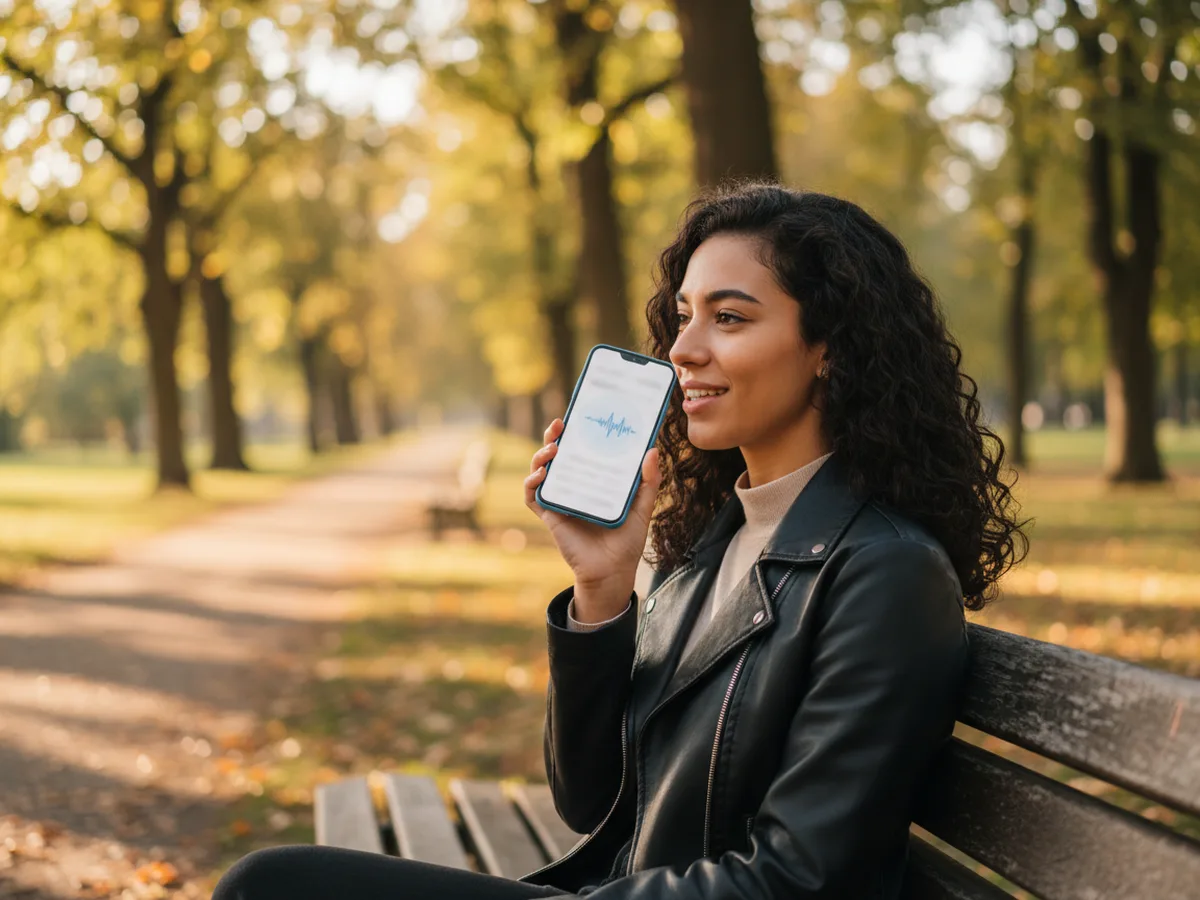
On a phone, the quickest way to get a thought down is to say it. Tap record and the words appear as you speak, right on today's page, with the audio kept alongside.
A live transcript
Words appear as you talk, in fifteen languages and regional variants, in Chrome on Android.
Audio and text together
Play the recording back, or edit the transcript into tidy sentences later.
Searchable afterwards
The transcript is text, so a spoken note turns up in search like anything you typed.
Collected in the Library
Every voice note gathers in its own tab, so a month of recordings is one scroll.
Quick entries between everything else
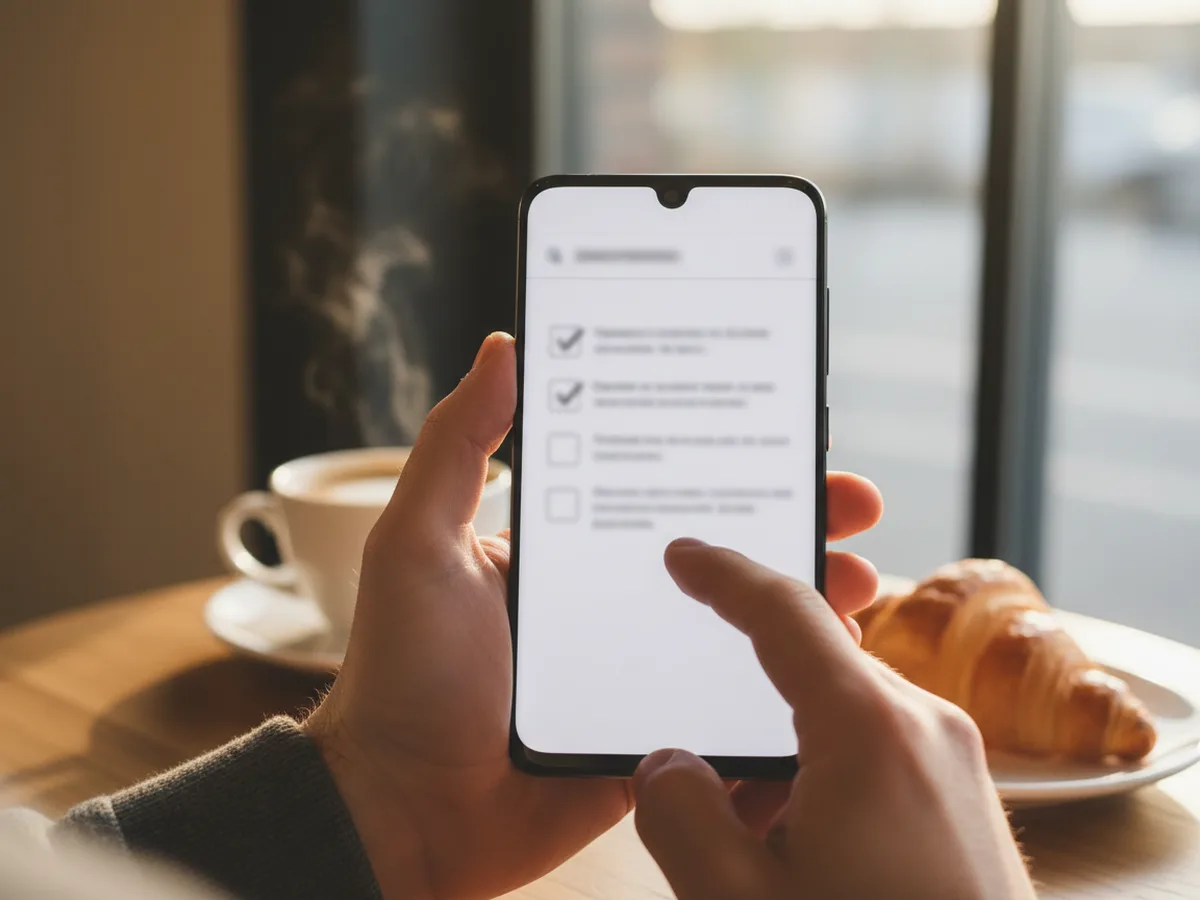
Most phone journaling happens in two-minute gaps — a queue, a coffee, a train. The page is ready the moment you open it, with the day's list at the top.
A to-do list on every page
Up to six items per page, with a heading you can rename to suit the list.
Unfinished items move on
Carry them to tomorrow, tick them off, or leave them where they are.
Saved to the phone first
Each keystroke lands in a local draft, and failed saves retry when the signal returns.
Photos from the day
Add a picture to the page, and any words in it become searchable.
Put it on your home screen in three taps
Chrome installs it straight from the site, and it stays current on its own.
Step 1
Open it in Chrome
Go to 3pagesdaily.com and sign in. Google sign-in can use the account already on your phone.
Step 2
Add it to your home screen
Tap the three-dot menu, then Add to Home screen or Install app, and confirm.
Step 3
Open it from the icon
It launches full screen in its own window. Put it in the dock next to your camera for the quickest reach.
Phone now, keyboard later
The phone is where a day gets captured. Any computer is where it can be finished.
Capture on the move
A voice note on the walk home, a photo at lunch, a list ticked off in the queue. All of it lands on today's page.
Expand at a desk
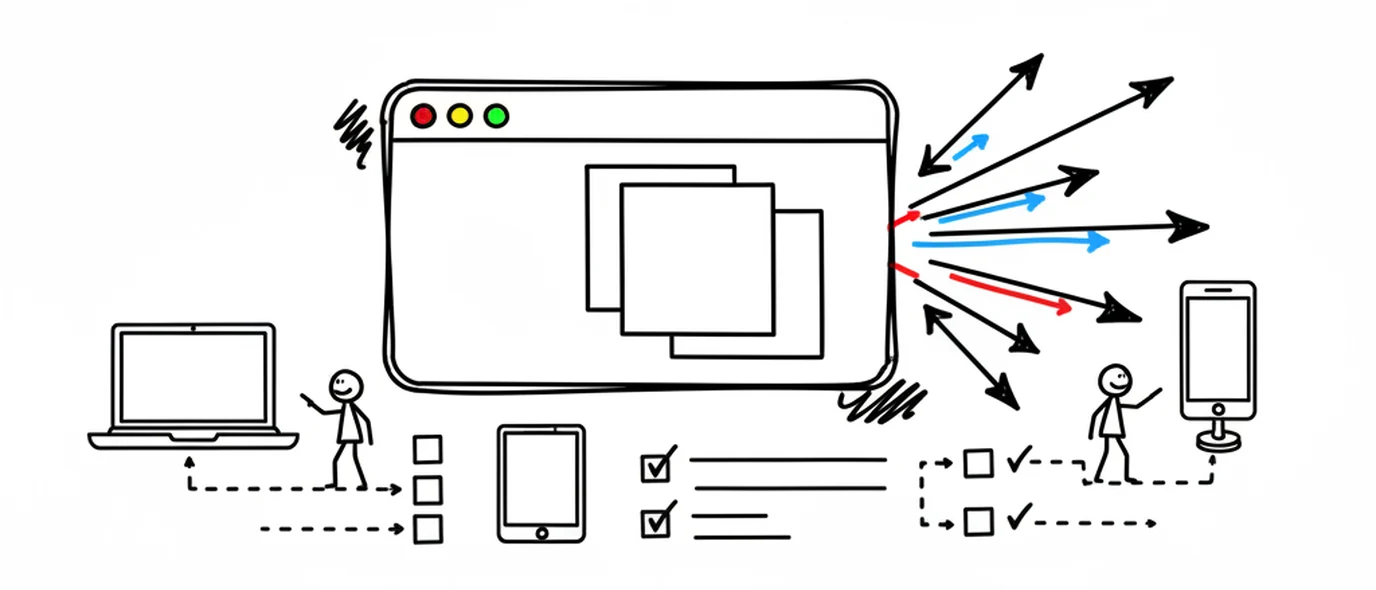
Open the same day in a browser on a Windows PC, Mac or Chromebook and turn the transcript into a proper entry.
Look back from either
The calendar marks the days you wrote. Open any date, or search across text, transcripts and photos.
A notes app, or a journal?
A notes app is great for a shopping list. A journal is built around the day, and that changes how easy it is to keep going.
Frequently asked questions
Open 3pagesdaily.com in Chrome and sign in with Google, email or Apple. To keep it on your home screen, tap the three-dot menu and choose Add to Home screen (some phones label it Install app). It then opens full screen from its own icon, like the other apps on your phone, and updates itself whenever the site does.
Yes. The free Standard plan gives you three pages a day with no word limit, photos, file attachments, voice notes with transcripts, a to-do list on every page, up to 3 Topics, full search and PDF export, with 250 MB of media storage. It stays free with no time limit. Premium is $5.99/month or $49.99/year for unlimited pages a day, 10 GB of storage and every theme and font.
Yes. Tap record on the page and the words appear as you talk, in fifteen languages and regional variants including English, Spanish, Portuguese, French, German, Italian, Chinese, Arabic, Japanese and Korean. The live transcript runs in Chrome on Android; other browsers keep the recording and playback. The audio and the editable transcript both stay on the day's page, and the transcript is searchable later.
Each keystroke is saved to a draft on the phone first, and any save that fails is queued and retried, so a tunnel or a dead zone keeps what you wrote. A connection is still needed for lasting backup and to see the entry on another device.
Yes. It is one journal in your account, so a voice note recorded on the bus is on the page when you open 3pagesdaily.com on a Windows PC, a Mac or a Chromebook that evening — ready to expand into a longer entry at a keyboard.
Yes. There is no public feed and no social layer, entries are encrypted in transit and at rest, and nothing you write is used to train AI. A day only becomes visible to someone else if you create a share link for it, and shared pages are excluded from search engines.
Yes. Search in the Calendar covers page text, voice transcripts, checklist items, links and the text inside photos you added. The Library also collects every voice note, image and file into its own tab, so a month of recordings is one scroll.
Keep exploring
Finishing entries on a computer? See the journal app for Windows, or read more about keeping a voice journal.
Online journal
Open your journal on any computer you can sign in on, with nothing to install.
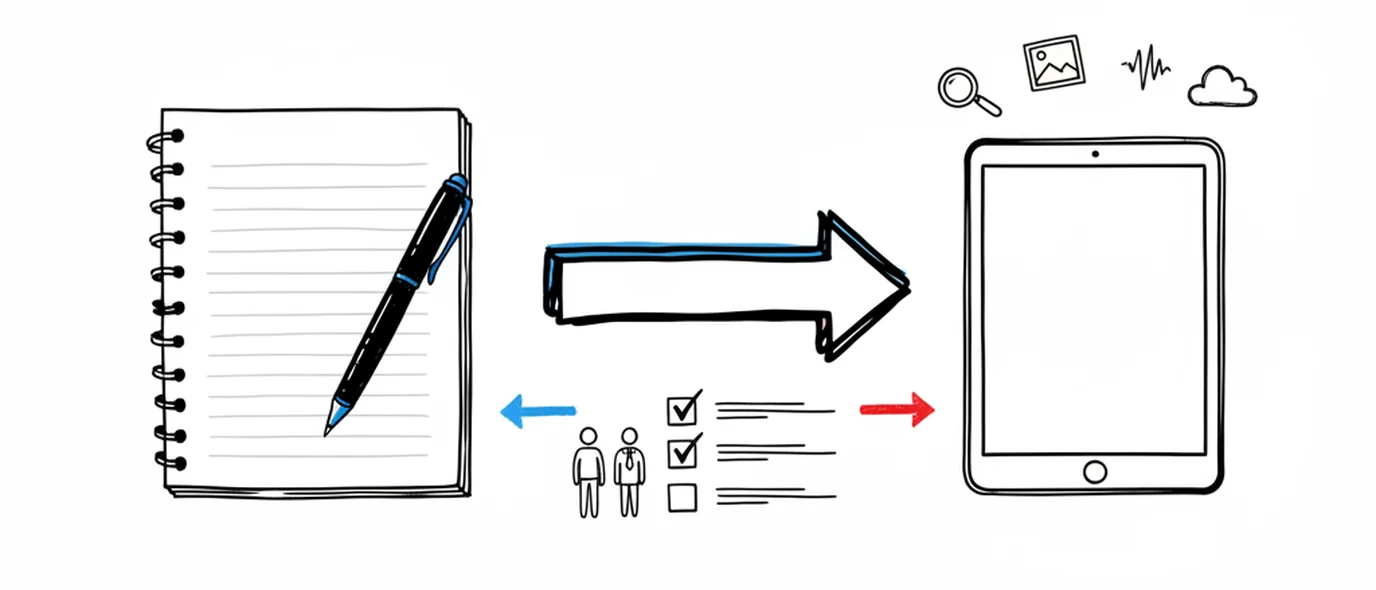
Digital journal
What you gain by keeping a journal on a screen, and the one thing paper still does better.
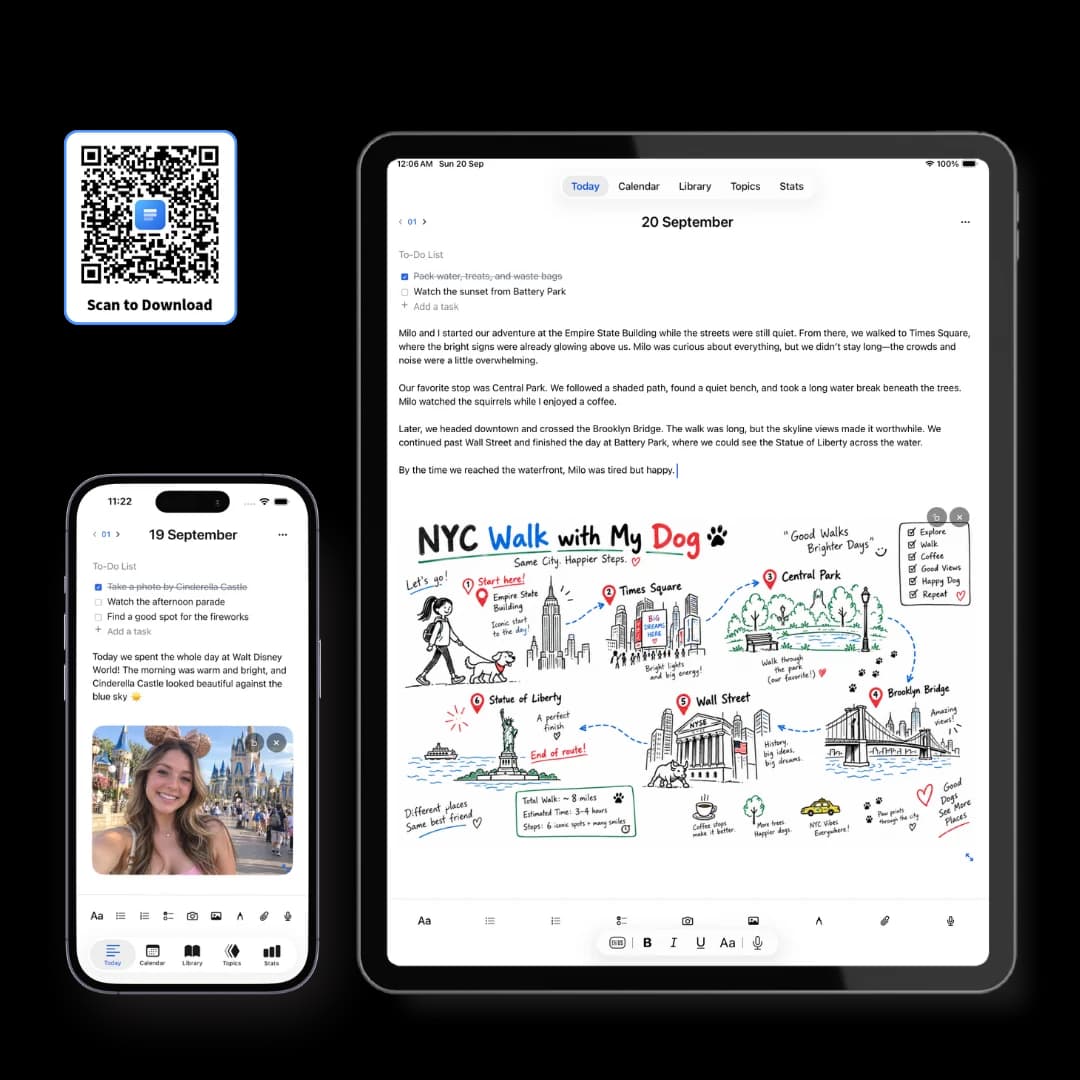
iPhone, iPad & Mac app
The free app for iPhone, iPad and Mac, with your journal kept on the device itself.
Make room for your mind
every day.
Three pages a day. No setup, no folders, no complexity. Just open it and write.