A minimal online journal,
open in any browser
Three pages a day in any browser. Write, record or sketch on whatever machine you happen to be at, with nothing to install.
Three Pages Daily is a private online journal that runs in any modern browser.
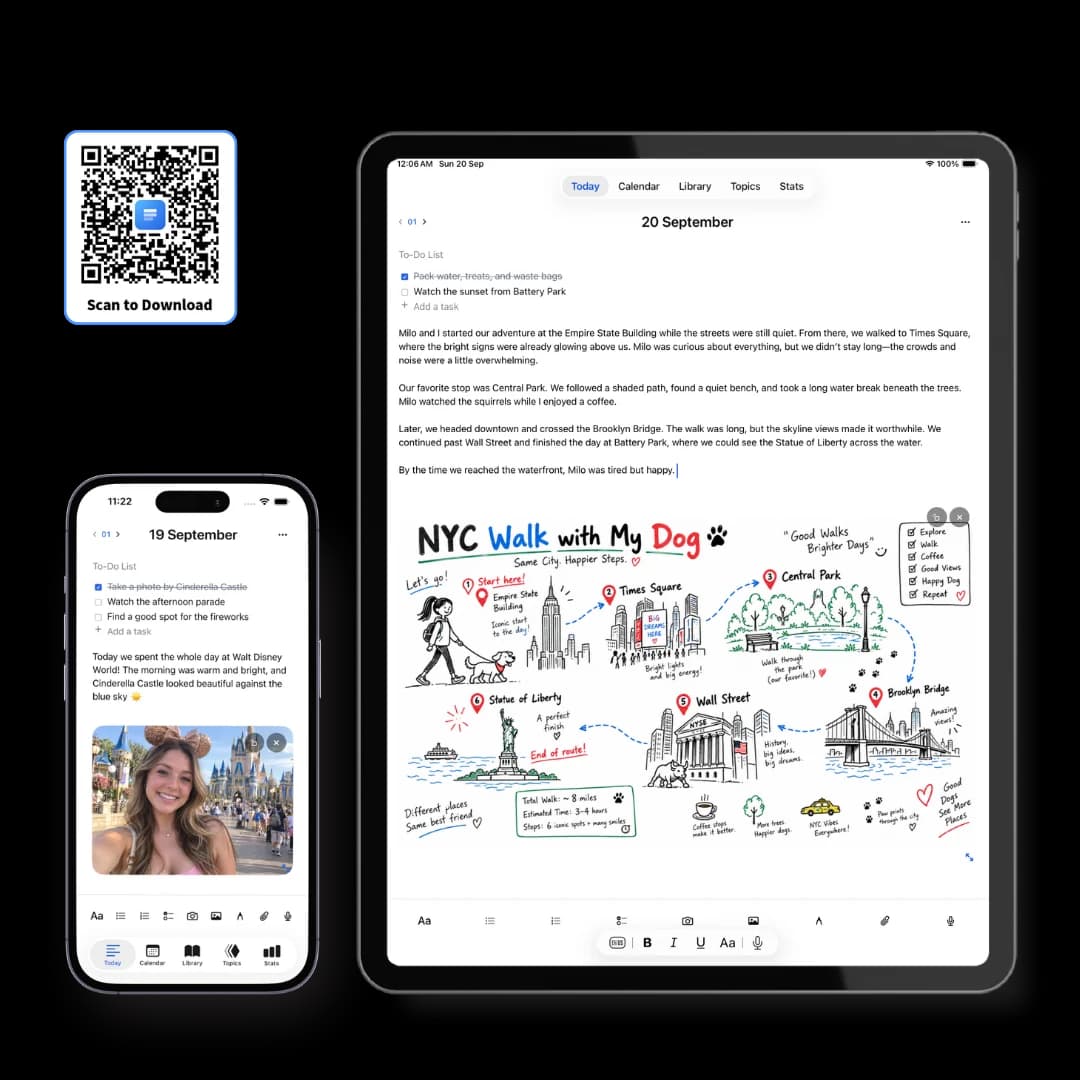
Each day it opens to three blank pages filed under that date, which can hold text, checklists, photos, drawings, voice notes with transcripts, links and file attachments. The free plan includes three pages a day, full search and export, with no time limit.
Nothing to install, nothing to sync by hand
Writing online used to mean a worse editor. It now mostly means your journal is wherever you are, on whichever machine you happen to be using.
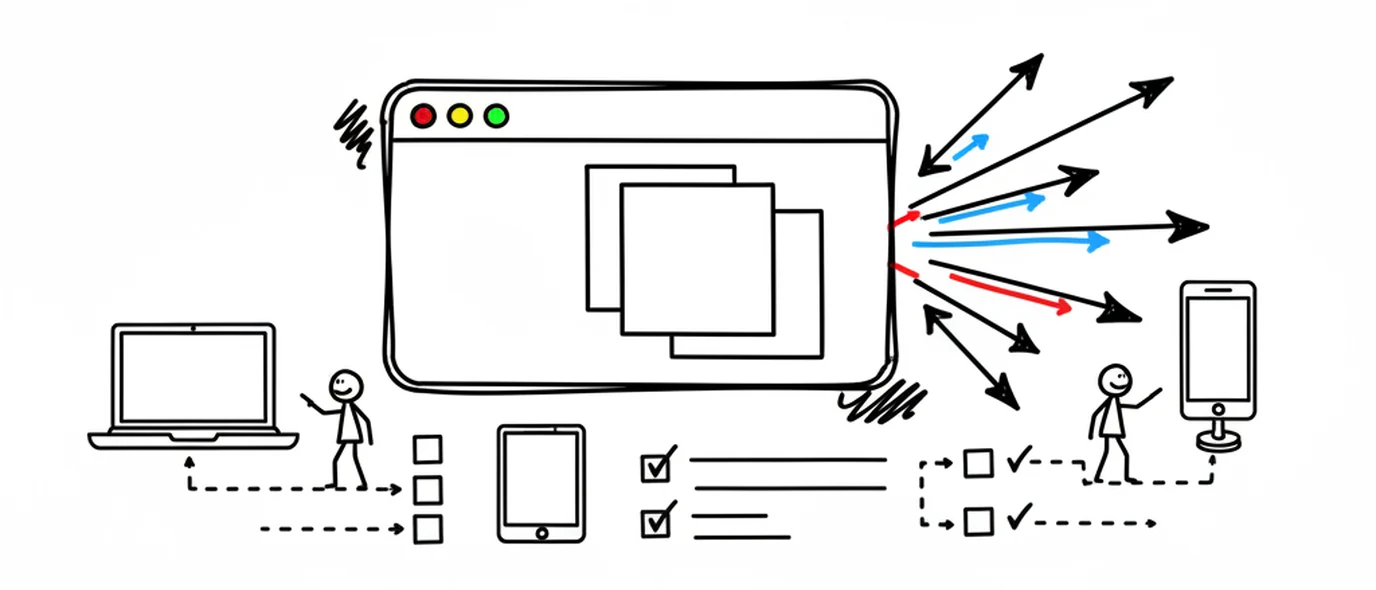
Any browser, any device
Mac, Windows, Linux, iPad, iPhone, Android. Same journal, same sign-in.
Installable as a PWA
Add it to your dock or home screen if you'd rather it had its own window and icon.
Saved locally first
Each keystroke hits a local draft on the device before syncing, with a retry queue behind it.
No manual file management
There's no document to name, no folder to choose, and no version to keep track of.

More than a text box
Most free online diaries give you a box and a save button. A day rarely fits in one — there's usually a photo, a link, and something you'd rather say out loud.
Rich text and checklists
Headings, lists, links, tables and task items, with a slash menu for inserting blocks.
Photos and files
Images inline, plus PDF, DOCX and other attachments kept with the day they relate to.
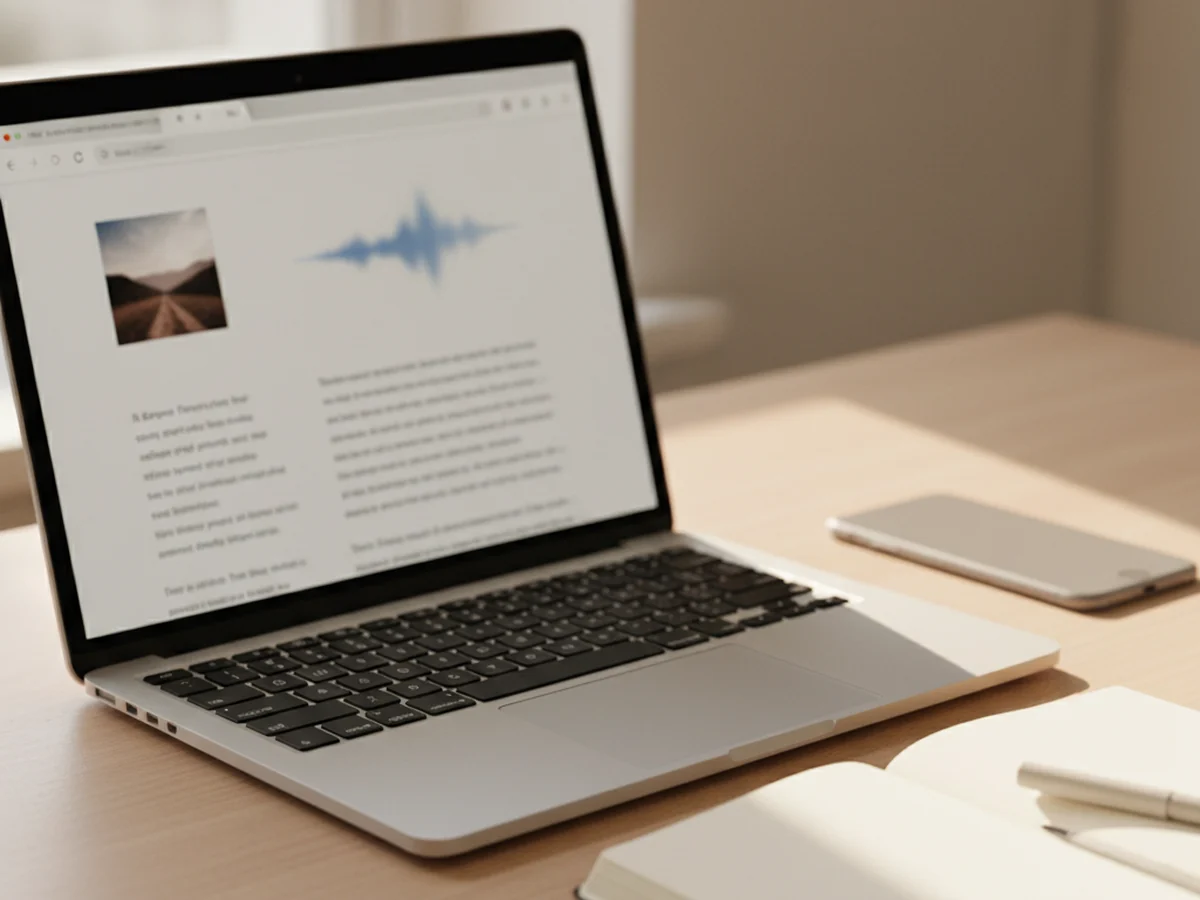
Voice notes with transcripts
Record on the page in fifteen languages. Requires Chrome or Safari 14.1+ for the transcript.
A drawing canvas
Pen, highlighter, eraser and lasso, anywhere in the page — Apple Pencil included on iPad.
What the free plan actually includes
Free here means a usable daily journal, not a demo that stops working in a fortnight.
Three pages a day, no word limit
Pages grow as you write. The limit is how many new pages you create per day, not how much you put on them.
Every content type
Text, checklists, links, images, drawings, voice notes and attachments — none of them are held back for Premium.
Search and export
Full search across your pages, plus PDF export. 250 MB of media storage, and up to 3 Topics.
Online journal versus a document in the cloud
A shared doc is the most common free online journal, and it works — until you want to find something.
Frequently asked questions
Yes. The free Standard plan on Three Pages Daily gives you three pages a day with no word limit, images, the drawing canvas, voice notes with transcription, up to 3 Topics, full search and PDF export, with 250 MB of media storage. It's free forever rather than a trial that expires.
No. It runs in the browser on Mac, Windows, Linux, iPad, iPhone and Android. If you'd rather it behave like an app, it's installable as a PWA, which gives you an icon and its own window — but that's optional, not a separate download.
Yes. There is no public feed and no social layer, nothing you write is used to train AI, and pages are encrypted in transit and at rest. A page only becomes visible to someone else if you deliberately create a share link for it, and those pages are excluded from search engines.
Not fully, and it's worth being clear about. Every keystroke is written to a local draft on your device before it goes to the cloud, so a dropped connection mid-sentence doesn't cost you the sentence. But a connection is required for lasting backup and for opening your journal on another device.
Yes — it's the same journal in any browser you sign into. That's the main practical advantage of writing online rather than in a local file: the page you started on a phone at lunch is open on the laptop that evening.
They stay, and you can take them. Export your whole journal as a ZIP of Markdown files or PDFs from Settings, on any plan including free. Markdown opens in any text editor, so the archive outlives the service.
Keep exploring
Not sure what to put on the first page? 120 journal prompts, sorted by mood are grouped by how you're actually feeling, with the time each one takes.
Make room for your mind
every day.
Three pages a day. No setup, no folders, no complexity. Just open it and write.